Rev 1.1
4
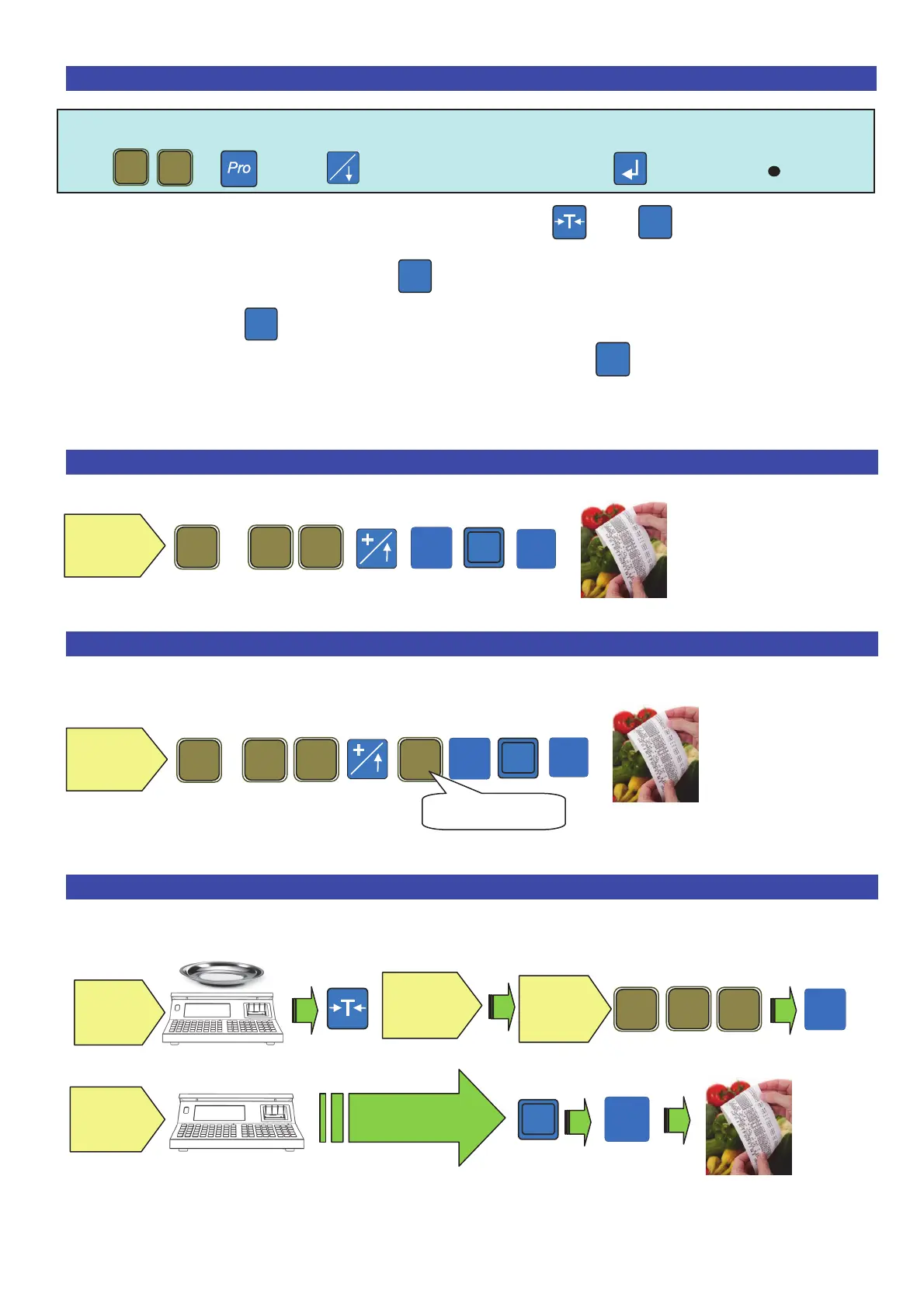
10. Tare associated to an operator .
Note: Before using this function, from the menu one must first activate
+ Then enable OPERATOR TARE to confirm ( )
The operator puts a container on the plate, presses and
The tare is saved on the operator
The operator takes the container and fills it
When the operator goes back to the scales, by pressing the Tare value is recharged.
After having registered the transaction the tare is deleted
11. Single fixed price transaction .
12. Multiple fixed price transaction .
Example of 3 articles at 1,55€
13. Weight transaction .
# 1
# 1
# 1
# 1
# 1
*
,
# 1
Digit the
unit price
,
# 1
Digit the
unit price
# 1
*
Articles number
# 1
# 1
,
Position
the
container
Empty the
plate
Repeat the
procedure for the
other
roducts
*
Position the
item on the
plate
Digit the
price per
kg



 To Next Page