19
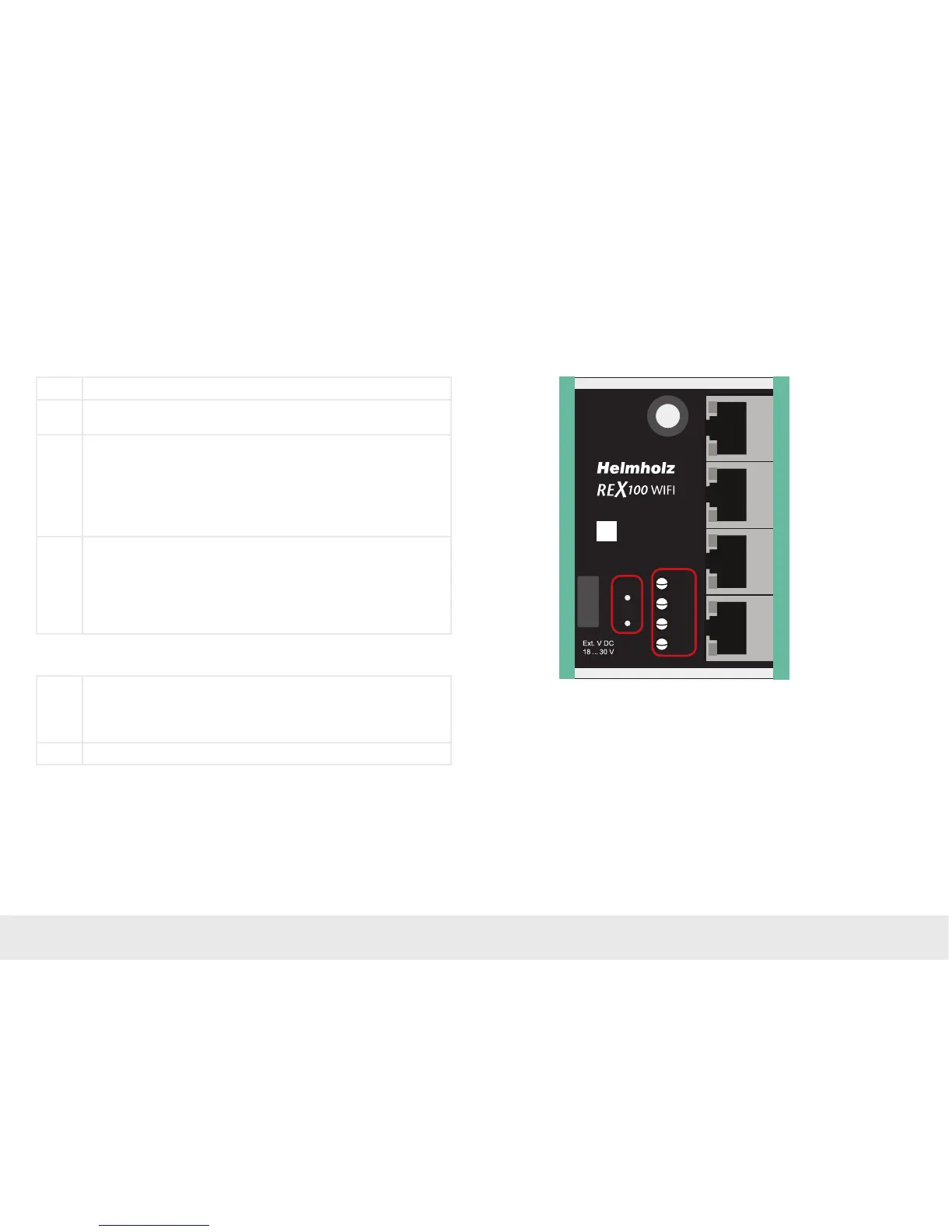
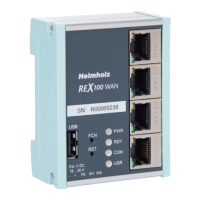
9. Description of LEDs and buttons
9.1 Description of LEDs and buttons
PWR Indicator light for the power supply
RDY Readiness indicator (this LED must show a solid light after a max. of 110
sec.)
CON Off: There is no active Internet or VPN connection
Solid light: Internet connection active or possible, but VPN connection
inactive
Flashing (1.5 Hz): VPN connection is active
Rapid ashing (3 Hz): The router is attempting to establish a VPN
connection
USR Solid light: When loading default settings, rmware les, or device
congurations
Flashing (1.5 Hz): A portal conguration was recognized on the USB
stick (see FCN button)
Rapid ashing (3 Hz): A rmware le was recognized on the USB stick
(see FCN button)
FCN 1. Function key for manually establishing the connection with the portal
server
2. If the USR LED starts ashing, this means that you have ten seconds to
press this button in order to load data from an inserted USB stick.
RST Reset button for restarting the router
Button functions
P4 LANP1 LAN P2 LAN
P3 LAN
+F E IN1I N2–
FCN
RST
PWR
RDY
CON
USR
SN:
R00012345
ANT
USB


 To Next Page