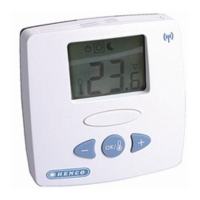
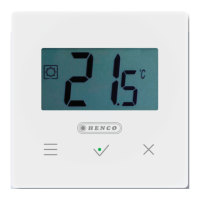
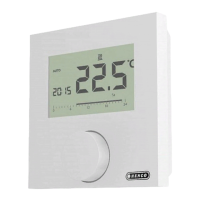
Description Steps
Automatic operation
Komfort
The signal of an external system clock
(e. g. from a Control room thermostat)
activates day or night operation.
Control
Automatic temperature control ac-
cording to the Comfort programs in the
Settings menu.
ü Confirm the selection by
pressing.
VAutomatic operation is acti-
vated.
VThe basic level is displayed.
VControl: The time scale is
displayed.
Holiday function
Automatic reduction to the set
holiday temperaturein the Set-
tings menu.
Activate
ü Confirm the selection by
pressing.
ü Set the number of holiday
days by rotating.
ü Confirm the entry.
VThe holiday function is activat-
ed immediately.
VThe basic level is displayed.
A subsequent change of
the target temperature de-
activates the holiday func-
tion.
Deactivate
ü Observe the operating steps
under “Activation”.
ü Set the number of holiday
days to 00 by rotating.
Lifestyle functions menu


 To Next Page