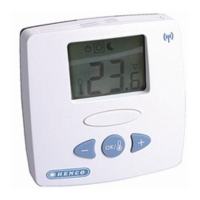
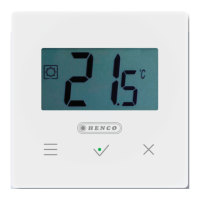
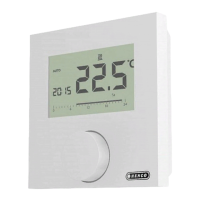
Lifestyle functions menu
Description Steps
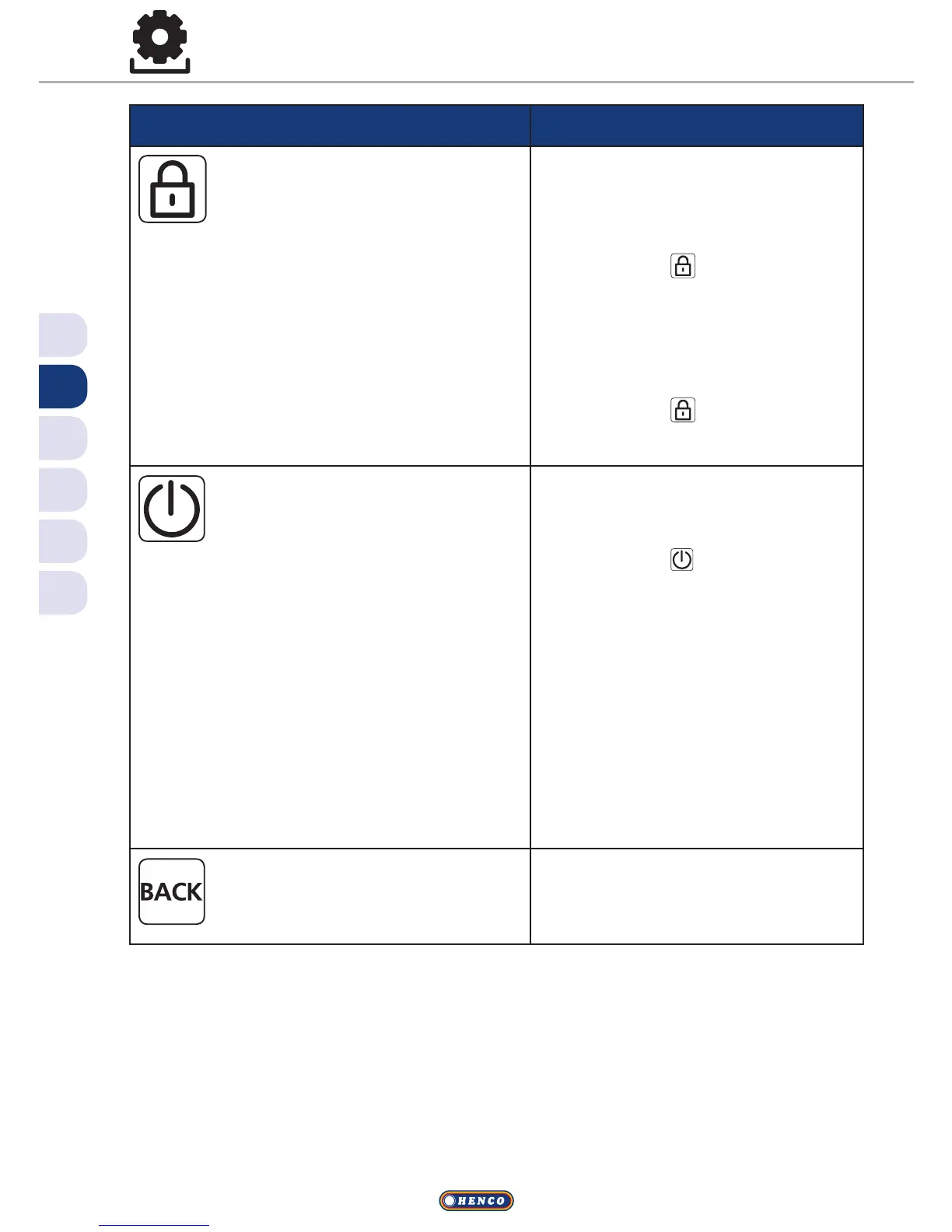
Operating lock
Blocks the room thermostat.
The actual temperature and all
active functions are still displayed, the
possibility to change the target temper-
ature and the operation are deactivated.
Activate
ü Confirm the selection by
pressing.
VThe operating lock is activated.
VThe symbol is displayed.
VThe basic level is displayed.
Deactivate
ü Press the rotary control for >
5 seconds.
VThe symbol is deactivated,
operation is possible again.
Switching o
Switches the room thermostat
o. Temperature control is
deactivated. The protective functions
(valve protection and antifreeze protec-
tion) remain active.
For the room thermostat Control, the
comfort programs from the Settings
menu are still applied. Queued switch-
ing signals are given out to connected
thermostats via the reduction output.
ü Confirm the selection by
pressing.
VAll functions are deactivated.
VThe symbol is displayed.
VThe target temperature is
displayed
Switching on
ü Press the rotary control for >
5 seconds.
VThe basic level is displayed.
VAll active functions are dis-
played.
Back
Leaves the menu.
ü Confirm the selection by
pressing.
VThe display is in basic level.


 To Next Page