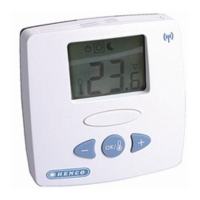
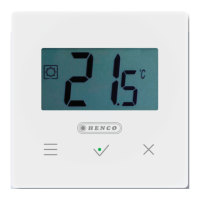
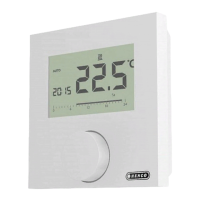
¾ Open the menu selection by pressing.
¾ Select the settings menu.
¾ Activate the menu by pressing again.
¾ Select the desired setting.
Description Steps
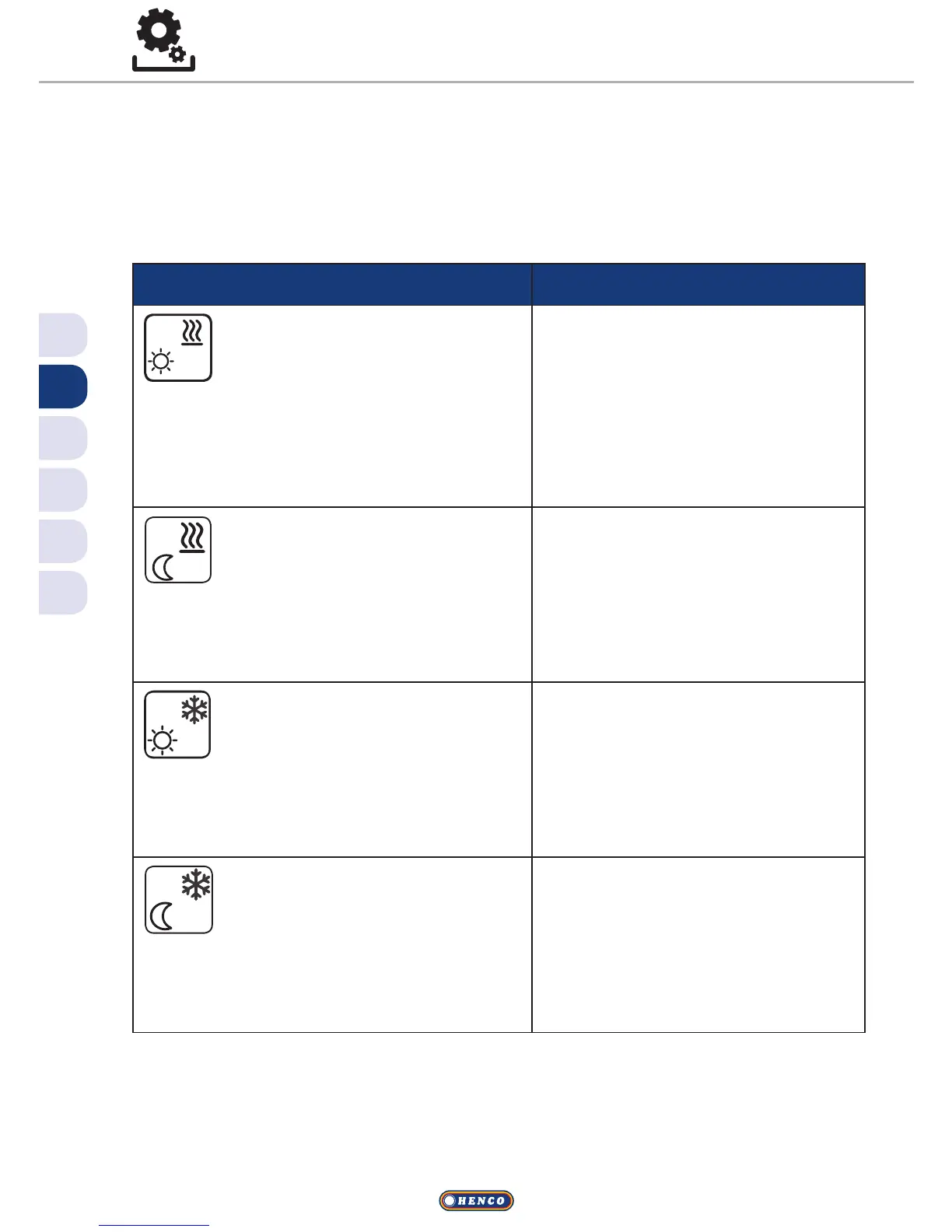
Comfort temperature
Heating
Setting the target tempera-
ture for day operation.
ü Confirm the selection by
pressing.
ü Set the target temperature.
ü Confirm the entry by press-
ing.
VThis is displayed in the Settings
menu.
Reduction temperature
Heating
Setting the target tempera-
ture for night operation.
ü Confirm the selection by
pressing.
ü Set the target temperature.
ü Confirm the entry.
VThis is displayed in the Settings
menu.
Comfort temperature
Cooling
Setting the target tempera-
ture for day operation.
ü Confirm the selection by
pressing.
ü Set the target temperature.
ü Confirm the entry.
VThis is displayed in the Settings
menu.
Reduction temperature
Cooling
Setting the target tempera-
ture for night operation.
ü Confirm the selection by
pressing.
ü Set the target temperature.
ü Confirm the entry.
VThis is displayed in the Settings
menu.
Settings menu


 To Next Page