Description Steps
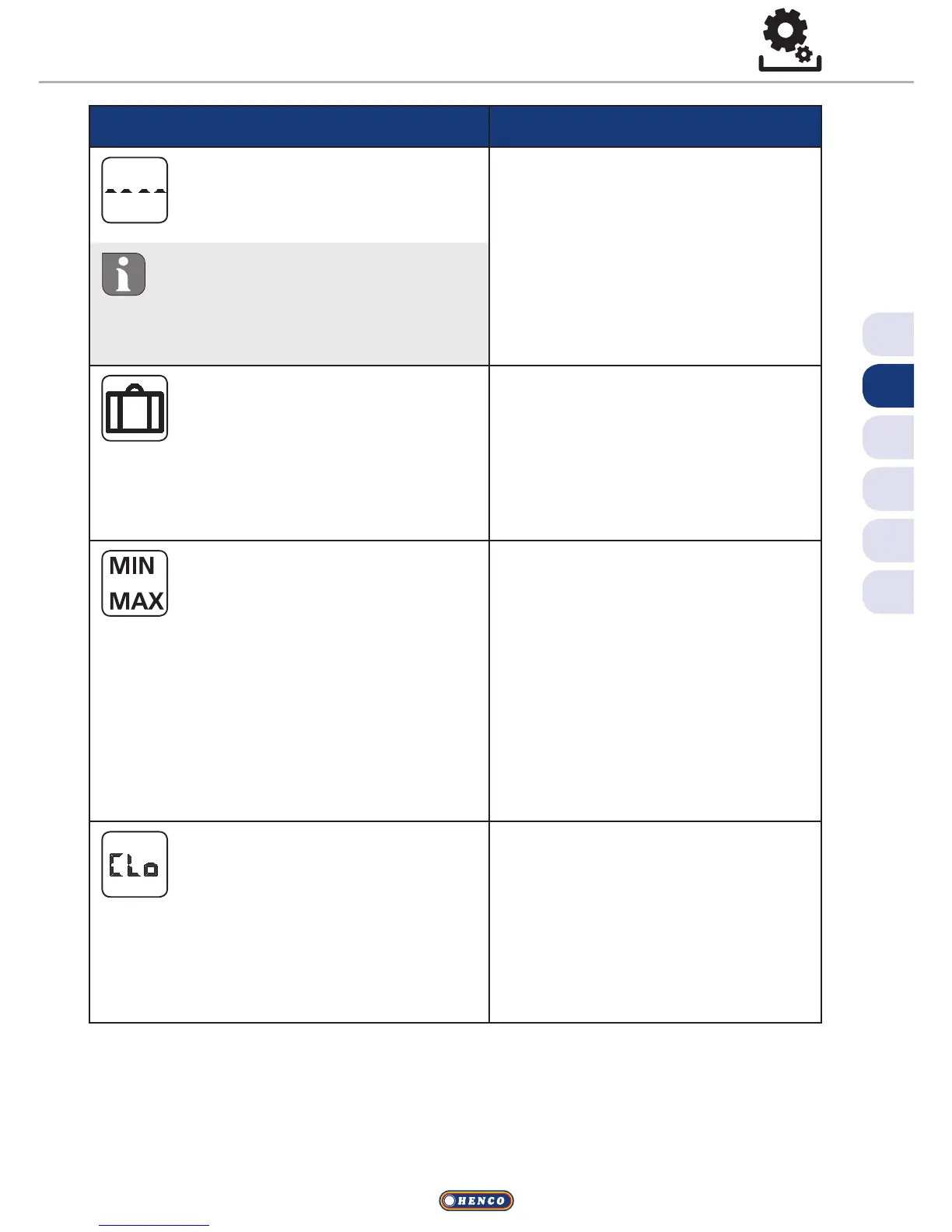
External floor sensor
Setting the minimum floor
temperature.
ü Confirm the selection by
pressing.
ü Make the setting.
ü Confirm the entry.
VThe display flashes in the
Settings menu.
This function is displayed if the
connection of an external floor
sensor is defined in the Service
menu under Parameter 040.
Holiday temperature
Setting the target tempera-
ture for the holiday function in
the Lifestyle functions menu.
ü Confirm the selection by
pressing.
ü Set the target temperature.
ü Confirm the entry.
VThis is displayed in the Settings
menu.
Target temperature
limitation
Setting of the maximum and
minimum settable target tem-
perature.
ü Confirm the selection by
pressing.
ü Set the minimum temper-
ature.
ü Confirm the entry.
ü Set the maximum temper-
ature.
ü Confirm the entry.
VThis is displayed in the Settings
menu.
Time indications
Setting of time and weekday.
ü Confirm the selection by
pressing.
ü Set the time (hh:mm) and
the weekday by rotating and
apply by pressing.
VThis is displayed in the Settings
menu.
Settings menu


 To Next Page