8
GB
• To reduce the desiccating time, cut the food in thinner slices
or pieces.
• The prepared food is to be desiccated in a continuous process.
Do not interrupt the dehydrating process.
Approximate dehydration time and particular food prepara
-
tion guidelines
• The time required for dehydrating is greatly dependent on
the kind of food to be dried, their moisture content, ripeness,
thickness, temperature setting and humidity of the inside
chamber.
Storing of dried food
• Allow the dried food to cool well before storing. Also make
sure that they are absolutely dry. This is essential for proper
storage.
• To prevent deterioration, dried food must be prevented from
absorbing humidity during storage. Therefore, any storage
tins, glasses or plastic bags should be sealed airtight. Vac
-
uum packaging would be the appropriate storage method.
• Desiccated food should be stored in a dry, cool and clean area
to ensure a long storage time.
Cleaning & maintenance
• ATTENTION! Always disconnect the appliance from the pow-
er supply and cool down before storage, cleaning & mainte-
nance.
• Do not use water jet or steam cleaner for cleaning and do not
push the appliance under the water as the parts will get wet
and electric shock might be resulted.
• If the appliance is not kept in a good state of cleanliness, this
can adversely affect the life of the appliance and result in a
dangerous situation.
• Food residues should be regularly cleaned and removed from
the appliance. If the appliance is not cleaned properly, it will
reduce its lifespan and may result in a dangerous condition
during use.
Cleaning
• Clean the cooled exterior surface with a cloth or sponge
slightly dampened with a mild soap solution.
• For reasons of hygiene, the appliance should be cleaned be
-
fore and after use.
• Avoid water contacting the electrical components.
• Clean the inside of container with a non-abrasive detergent
and rinse with clean water.
• Never immerse the appliance in water or other liquids.
• Never use aggressive cleaning agents, abrasive sponges, or
cleaning agents containing chlorine. Do not use steel wool,
metallic utensils, or any sharp or pointed objects for clean
-
ing. Do not use petrol or solvents!
• No parts are dishwasher safe.
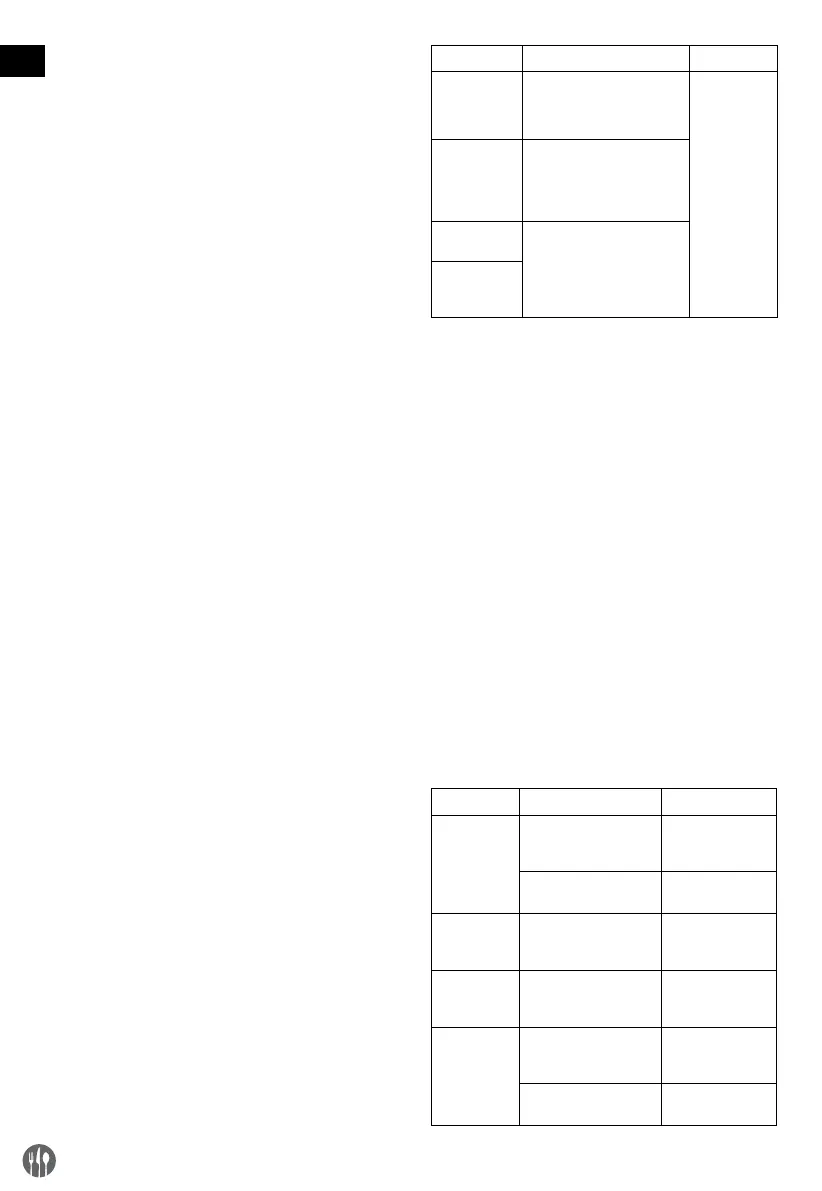
Parts How to clean Remark
All accessories
such as racks,
rack holders,
etc.
• Soak in warm, soapy water
for about 10 to 20 minutes.
• Rinse under running water
thoroughly.
Dry all parts
well at last.
External glass
surfaces
• Wipe clean with a soft cloth
and a little neutral deter
-
gent. Make sure no water or
moisture enters inside the of
the appliance.
Interior glass
surfaces
• Remove any food deposits.
• Wipe clean with a soft cloth
and a little mild detergent.
Make sure no water or
moisture enters inside the of
the appliance.
Glass door
Maintenance
• Check the operation of the appliance regularly to prevent se
-
rious accidents.
• If you see that the appliance is not working properly or that
there is a problem, stop using it, switch it off and contact the
supplier.
• All maintenance, installation and repair work must be car
-
ried out by specialised and authorised technicians, or recom-
mended by the manufacturer.
Transportation and Storage
• Before storage, always make sure that the appliance has
been disconnected from the power supply and completely
cooled down.
• Store the appliance in a cool, clean and dry place.
• Never place heavy objects on the appliance as this could
damage it.
• Do not move the appliance while it is under operation. Dis
-
connect the appliance from power supply when moving and
hold it at the bottom.
Troubleshooting
If the appliance does not function properly, please check the
below table for the solution. If you are still unable to solve the
problem, please contact the supplier/service provider.
Problem Possible cause Possible solution
On/off switch
doesn’t light
red
No power Check if the plug
is connected to the
power socket
Switch defect Contact the
supplier
Chamber
doesn’t get
warm
Heating element,
thermostat or fan might
be defect
Contact the
supplier
Chamber is
too warm
Heating element or
thermostat might be
defect
Contact the
supplier
Drying takes
too long
Humid conditions Place the appli
-
ance in a less hu-
mid environment
Heating element, fan or
thermostat is defect
Contact the
supplier


 To Next Page
 Loading...