Maxima PowerClean 210 - 7
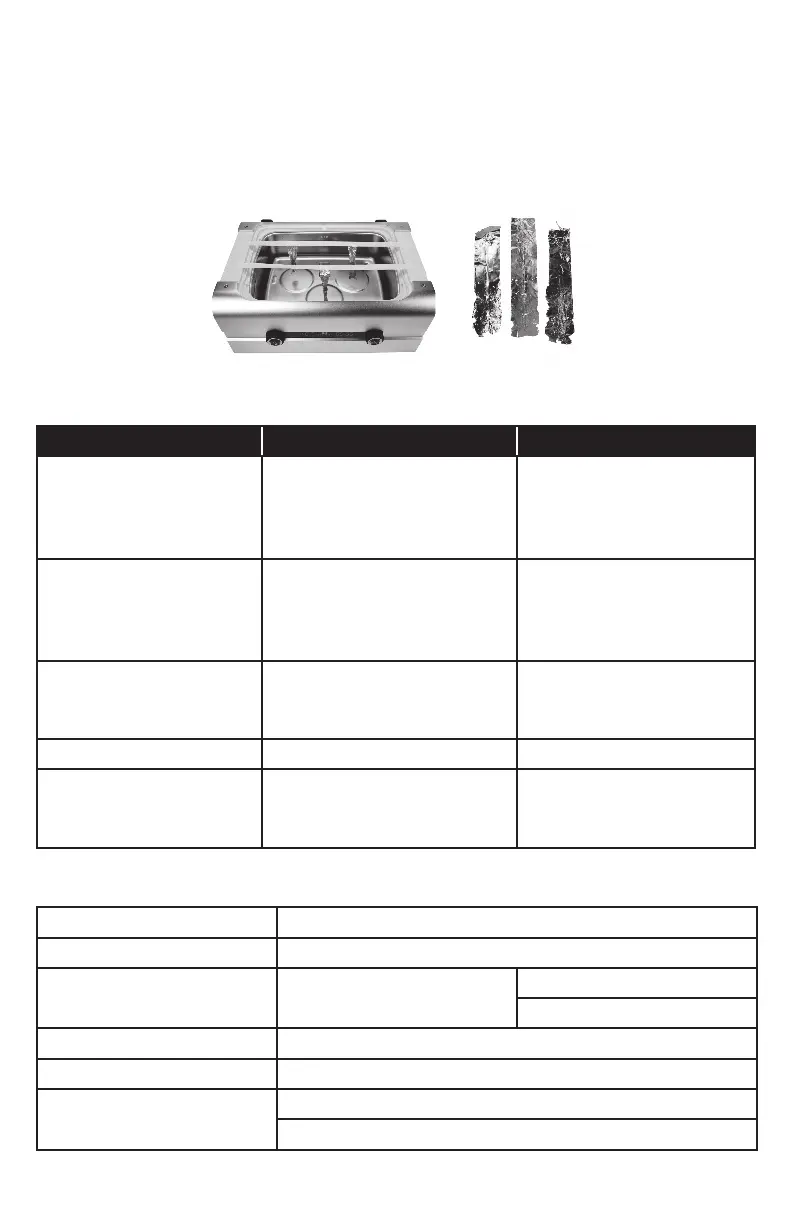
6. Turn on the ultrasound under the normal cleaning mode and run for 1 minute. Stop it once
the time has been reached.
7. Remove the foils and inspect. The foils should be perforated or knocked off along the 3 edges.
8. If any one of the foils has no obvious perforations, the transducer near that foil may not be
working properly. Call Henry Schein® Handpiece & Small Equipment Solutions if this happens.
9. Flush out the loose foil particles from the tank and clean it thoroughly.
TROUBLE SHOOTING
Problem Cause Solution
Warning symbol is on;
the unit has been running
extensively.
At least one of the transducers
is under overheat protection.
Stop the unit for 15 minutes
or more until the warning
symbol dims before resuming
operations.
Warning symbol is on;
Warning symbol doesn’t
turn off after unit is left
idling for 15 minutes.
At least one transducer is not
working.
Contact Henry Schein Hand-
pieces & Small Equipment
(pg 8).
Unit isn’t draining properly. Debris is caught in hose. Detach the drainage hose and
fl ush out any debris in hose
and inside the unit.
Unit is beeping. Unit is running but the lid is off. Place the lid back the unit.
Unit is not turning on. The power cord may be loose or
detached.
Check the power cord and
ensure power is coming from
the outlet it is plugged into.
SPECIFICATIONS
Description Ultrasonic Cleaner
Model Maxima PowerClean 210
Tank Capacity
8.0L /
2.1 gallon (US)
Max. 7.0 L / 1.8 gallon (US)
Min. 3.6 L / 0.95 gallon (US)
Tank Size 33.1x23.8x11.6 cm / 13.0"x9.4"x4.6"
Longest Item Fits inside Tank 37.0 cm / 14.4”
Power Supply
240W AC 100~120V 60Hz
240W AC 220~240V 50Hz


 To Next Page