Before closing up any panels or covers, test the GPS
tracker to ensure its receiving power and transmitting
data correctly. Use the GPS tracker’s app to check for
its functionality.
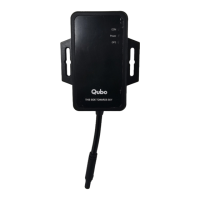
Secure the GPS tracker in its chosen location inside
the car using the zip ties or brackets. Make sure the
Device front side facing the sky. Carefully bundle and
conceal any exposed wires to maintain a tidy and
discrete installation.
Step 10
Step 8
Step 9
Double-check all connections and make sure every-
thing is secure If you’re satisfied with the installation
and everything is functioning correctly, put back
panels or covers you removed during the process.
Secure Device
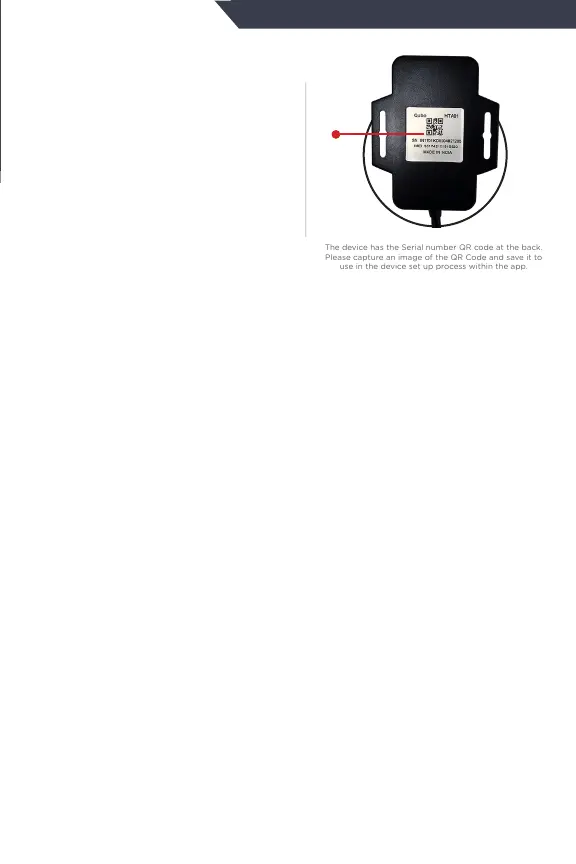
QR code will be available
on the device & also on
the packaging box. Keep a
photo of this QR code for
your future references.
The device has the Serial number QR code at the back.
Please capture an image of the QR Code and save it to
use in the device set up process within the app.
QR
Code


 To Next Page