Quick Start
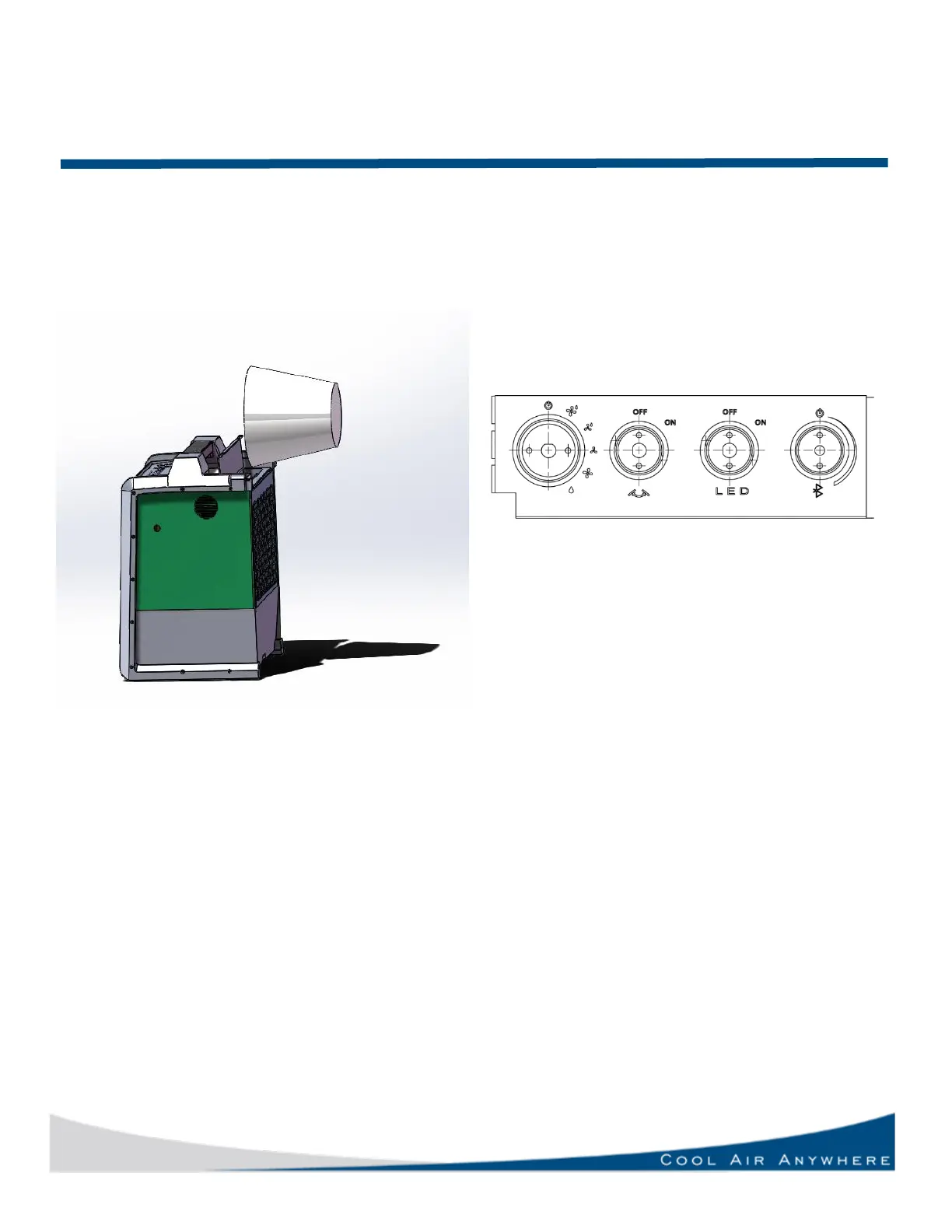
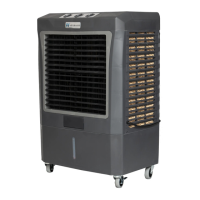
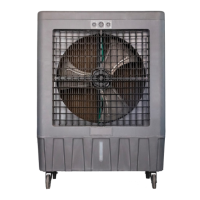
MC12 / M100 – Models Control Panel
Be sure your float valve is adjusted at a forty-
five-degree angle never straight downward
insuring it does not hit media panel. This will
assure no overflow.
Switch for Fan
Has 5 positions.
OFF
HIGH w/ pump
LOW w/pump
HIGH no pump
LOW no pump
Rocker Switch for Swing
Controls the fan Oscillation
Switch for LED
Controls the LED light
Switch for Bluetooth
Controls the Bluetooth speaker. Please turn the
Bluetooth switch OFF and then ON to ensure that
it is in pairing mode.
Bluetooth pairing instructions
Make sure your phone/Bluetooth device is in
pairing mode. Toggle the Bluetooth switch on the
Hessaire cooler OFF and ON. The name of the
Bluetooth device is “Hessaire”
3 Turn on cooler and enjoy cool
air. For help using the control panel,
please see right side of page.


 To Next Page