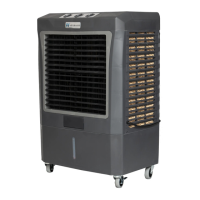
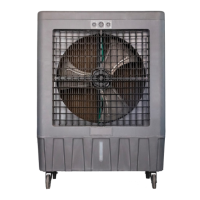
Cooler Maintenance
Cleaning Cooler and Rigid Media Pads
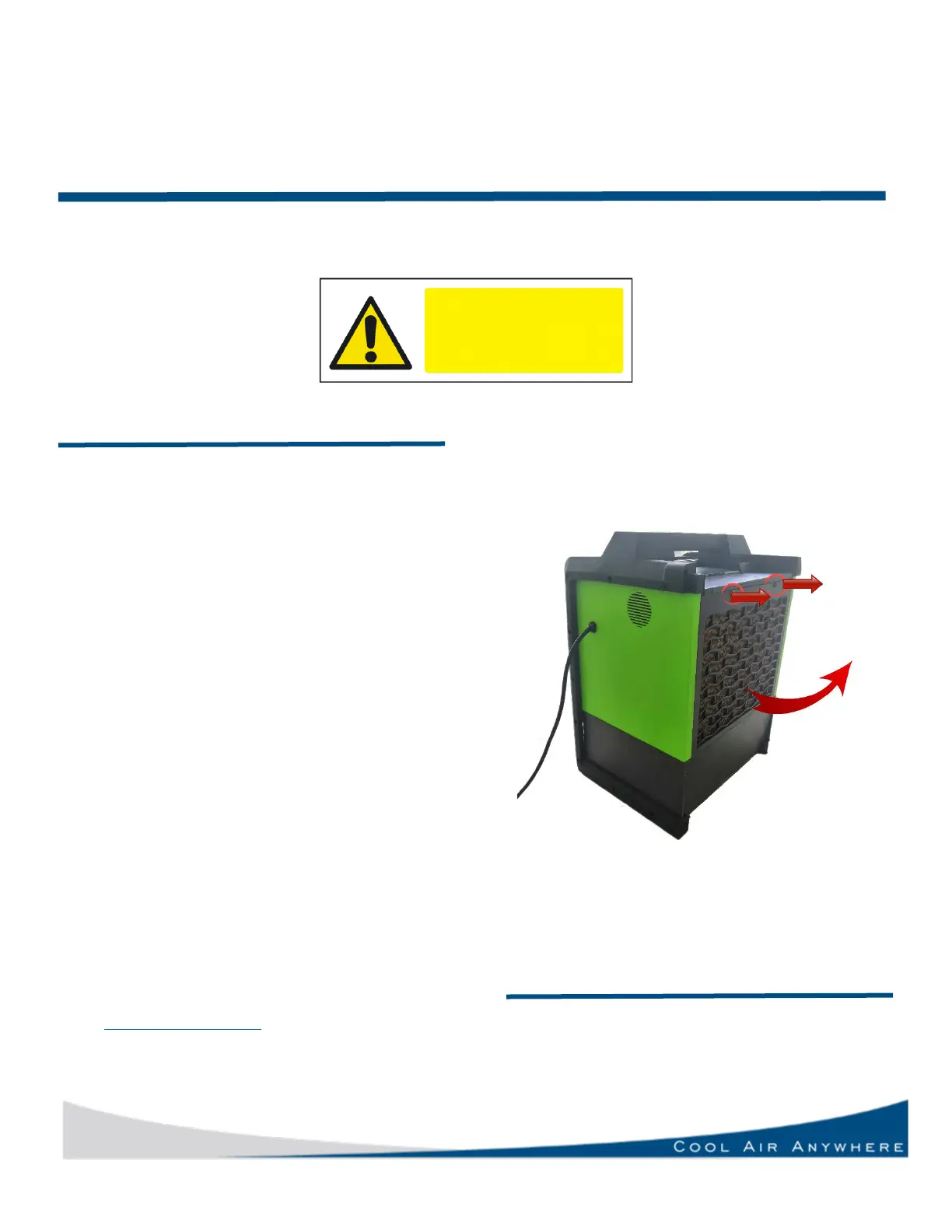
The removable panel and media pad can be
sprayed out on the ground to clean pad. Use
light pressure when spraying pads. You can use
a soft bristle brush to gently wipe away deposits.
NEVER spray pads with water while cooler is
operating, and fan is running. This can cause
damage to motor and will void the warranty.
Removal of the Back Panel (Disconnect power
supply before this procedure.)
Removal and Replacement of Cooling Media
1. If your cooler includes media pins,
remove by unscrewing/pulling out the
disc.
2. Remove media pad. Replace with new
pad.
3. Reinstall the back panel and you are
ready to use the cooler again.
See right side of page for the location of
screws and media pad.
Go to www.hessaire.com for instructional videos
and tips for eliminating any odors.
Draining the Cooler Tank
1. Pull or unscrew drain plug/cap from drain
assembly.
2. Tip unit to ensure all water exits the unit.
3. Replace drain plug


 To Next Page