14
www.hglrc.com
the screen.
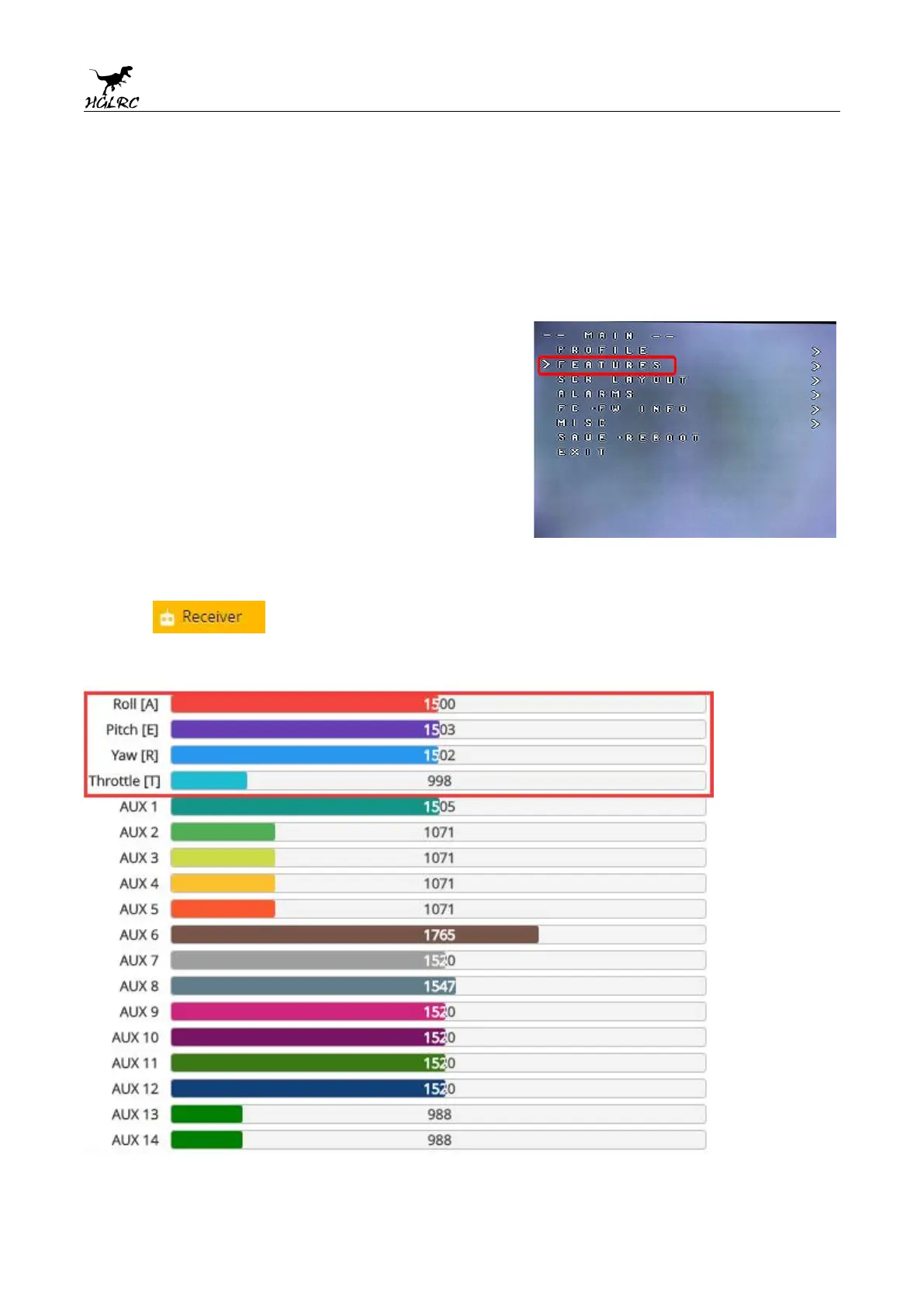
The “Alarms” sub-menu lets you control when the OSD will
try to alert you that battery voltage is too low or mAh
consumed is too high.
When a parameter can be modified, the parameter’s current
value will be shown on the right-hand side of the screen. In
this case, roll left/right will adjust the parameter up and
down.
The screen to the right shows the current vTX settings. From
here, you can change the frequency band, channel, and
power level of the video transmitter. After making the
changes, move the cursor to “Set” and press roll-right to
confirm the settings.
11.Check receiver signal
1. Click Check the remote control output signal


 To Next Page