13
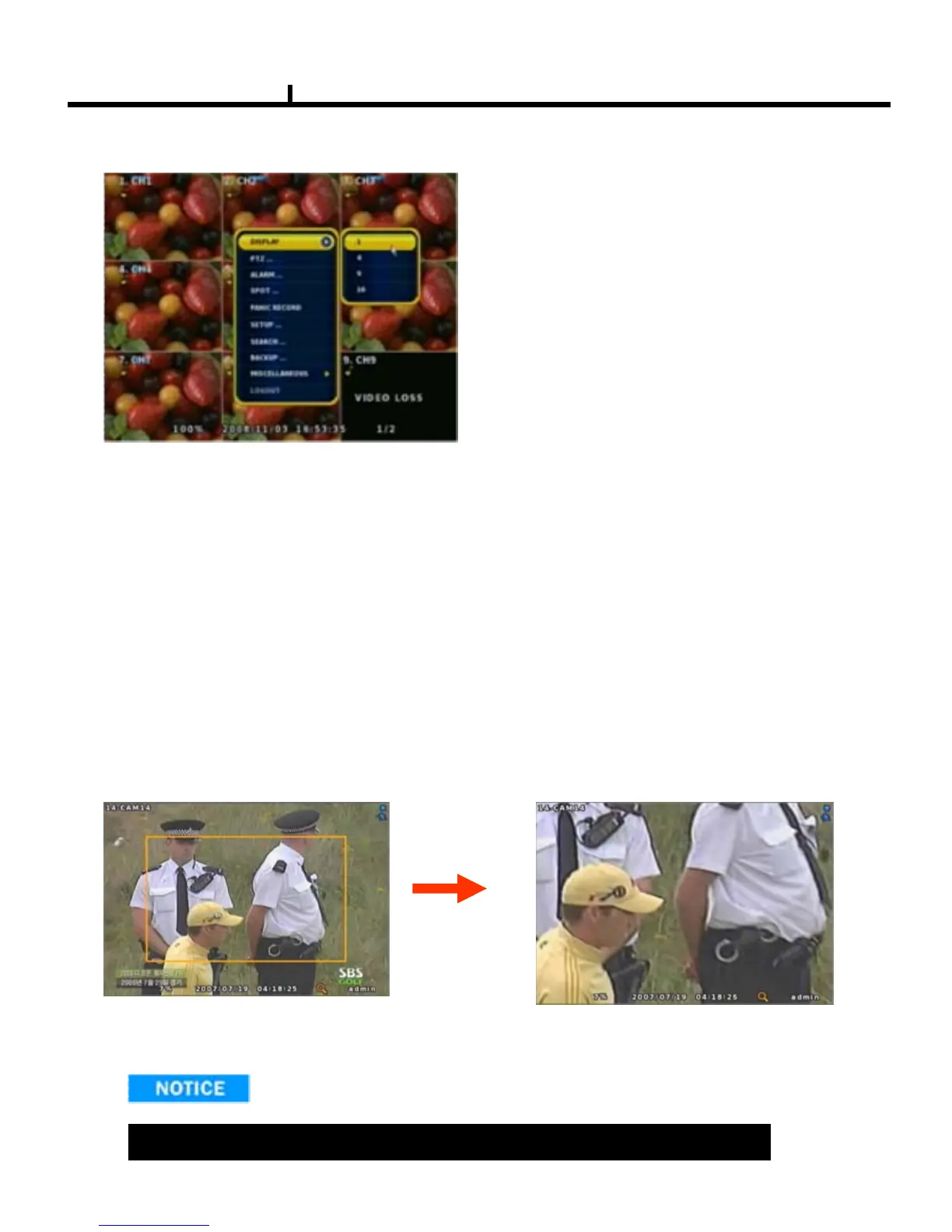
Menu Bar * Click MENU button or right button of mouse
DISPLAY
Type A -> 1, 4 Split screen change
Type B -> 1, 4, 9 Split screen change
Type C -> 1, 4, 9, 16 Split screen change
ZOOM
1 Full Live screen available only.
Select Zoom : Press zoom button and locate the box to magnify using direction keys
Move Zoom : It can be moved using direction key after press Enter.
Zoom screen may provide low quality or be shaken as formatted digitally.
<ZOOM selected screen>
<ZOOM screen>
SEQUENCE
Sequence camera group regularly
FREEZE
Pause the screen
MISCELLANUEOUS



 To Next Page