36
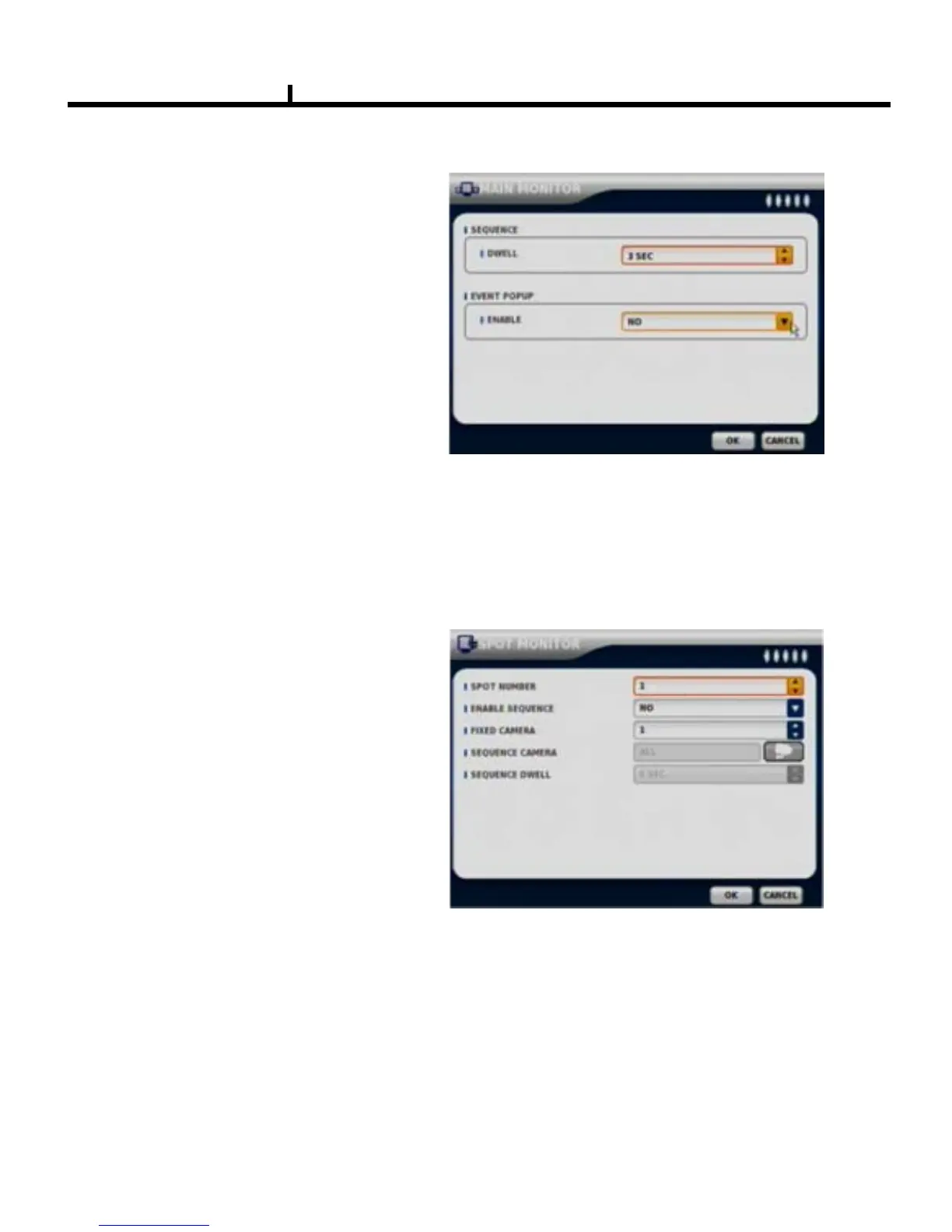
SPOT MONITOR
Set up functions of SPOT MONITOR.
SPOT NUMBER
Select SPOT output numbers.
SPOT SEQUENCE ENABLE
Select SPOT switching channel.
FIXED CAMERA
Select the camera number not to switch .
SEQUENCE CAMERA
Select which camera to switch.
SEQUENCE DWELL
Adjust switching times .
MAIN MONITOR
Set up SEQUENCE, EVENT POPUP
of main monitor.
SEQUENCE
Set up the screen switching times.
EVENT POPUP
Check if you want event pop up function.
VGA
Select VGA output resolution:800x600, 1024x768, 1280x1024.



 To Next Page