37
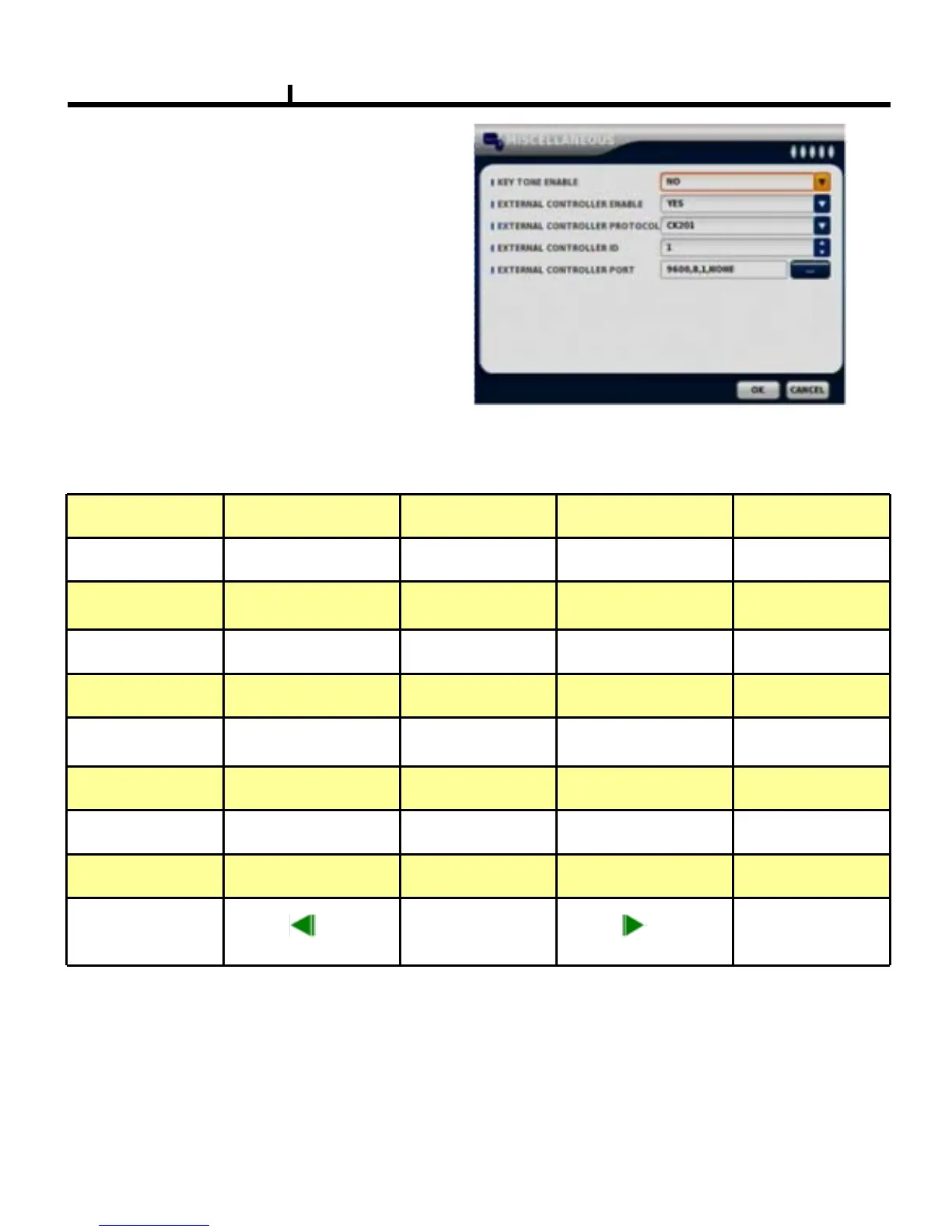
MISCELLANEOUS
Control of remote controller/key related functions.
KEY TONE ENABLE
Select button volume on the front panel.
CK101 /CK201 Mapping Table
Use CK101/CK201 to control this DVR system
CK101/201 Key
FULL 4P 9P 13P
DVR FUN
FULL 4P 9P ALARM
CK101/201 Key
16P
ÒPIP
ZOOM FRZE
DVR FUN
16P SPOT ZOOM FREEZE
CK101/201 Key
SEL AUTO TSRH/ LIVE MENU
DVR FUN
SETUP MENU
CK101/201 Key
PLAY/SHIFT
ÒAUD ÒLOCK
REC/CTRL
DVR FUN
X
BACKUP SEQUENCY
CK101/201 Key
Ò+
ENT
Ò-
ESC
DVR FUN
ENTER
ESC/
PS: 1. LIVE / SHIFT/ CTRL mean CK101 key
2. Ò mean CK101 no support key



 To Next Page