47
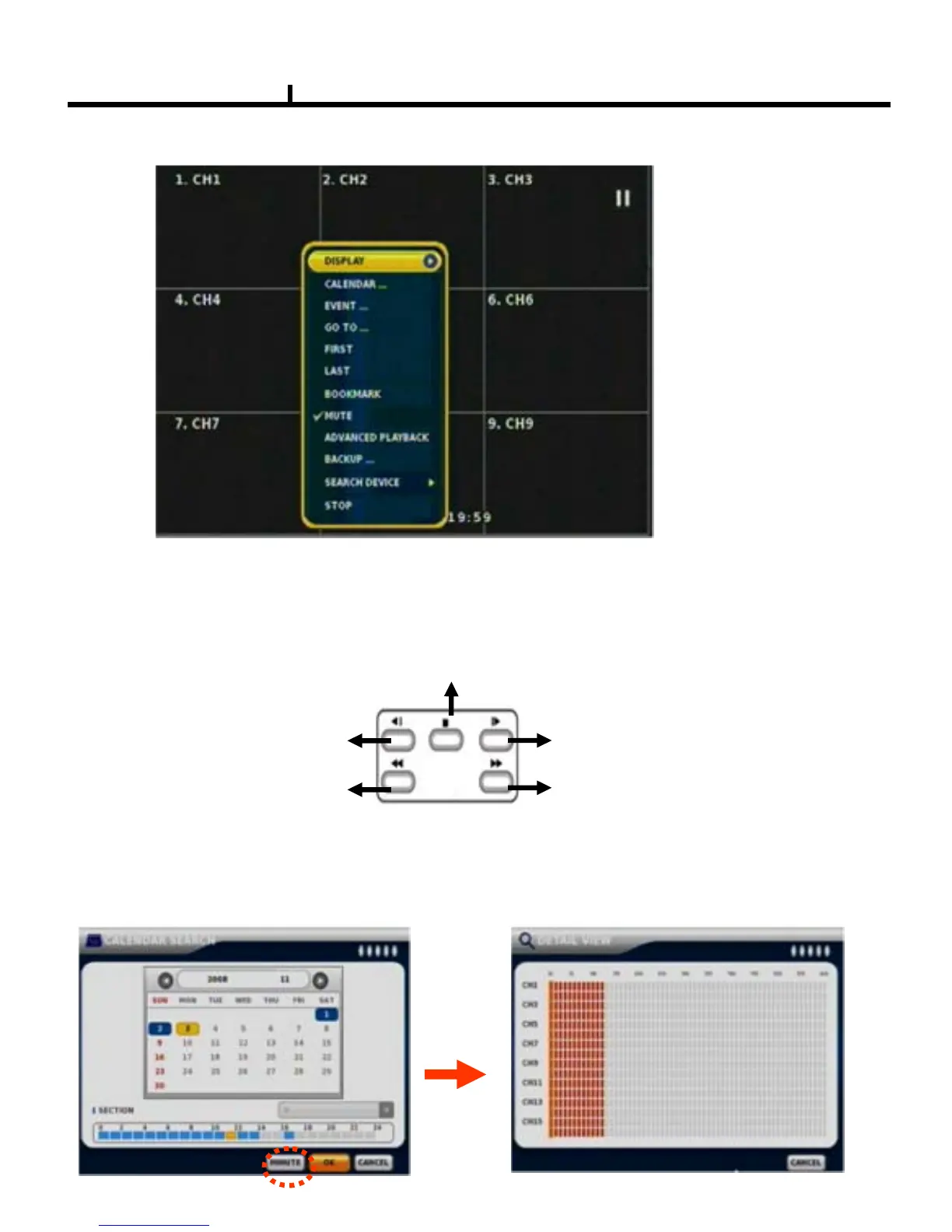
DISPLAY
Select screen division mode. Type A -> (1,4 split) , Type B -> (1,4
, 9
split)
Type C -> (1,4
, 9 ,16
split)
CALENDAR SEARCH
Select date , hour, minutes, seconds on calendar search.
When you click MINUTE, you can find specific record status as right below.
(Red color means emergency record )
SEARCH MENU
SEARCH KEY (Front panel key)
BACK STEP : Calendar Search
REW : Move to the first
recorded data
FF : Move to the last
recorded data
STEP : Event Search
STOP : Exit Playback (Return to Live Display)



 To Next Page