48
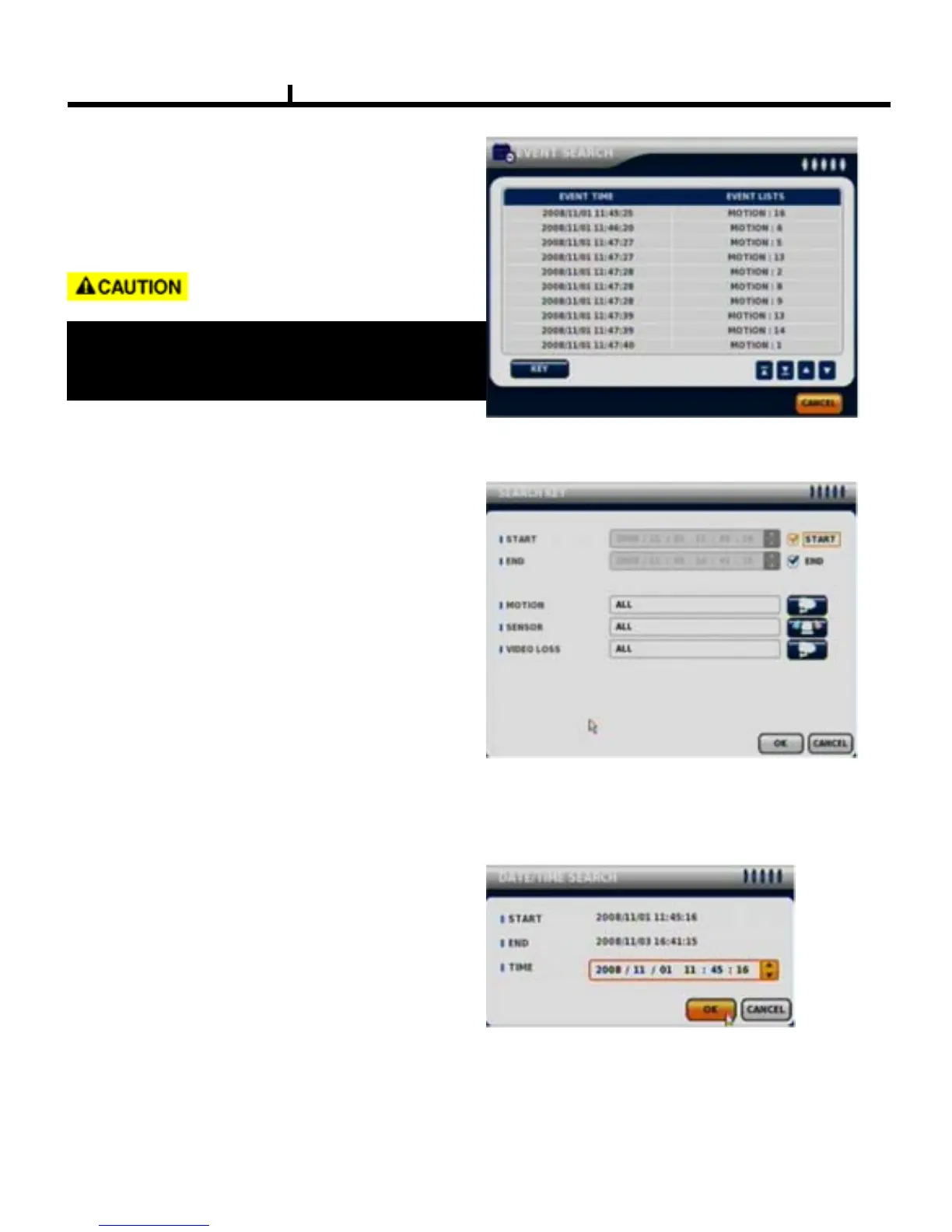
EVENT SEARCH
It shows all EVENT record list.
Use mouse click related EVENT, It plays that
event promptly.
SEARCH KEY
Can be selectable on EVENT search.
-START / END
:Set EVENT search start, end time.
-MOTION / SENSOR / VIDEO LOSS
:Selectable per each camera
DATE / TIME SEARCH
Search data by Date/Time .
You can search the event promptly
When you know the exact event time.
It may not be the same channel image as
shown on EVENT LIST because it shows the
first display image recorded at that time zone.



 To Next Page