49
FIRST
Move to first part of recorded data.
LAST
Move to last part of recorded data.
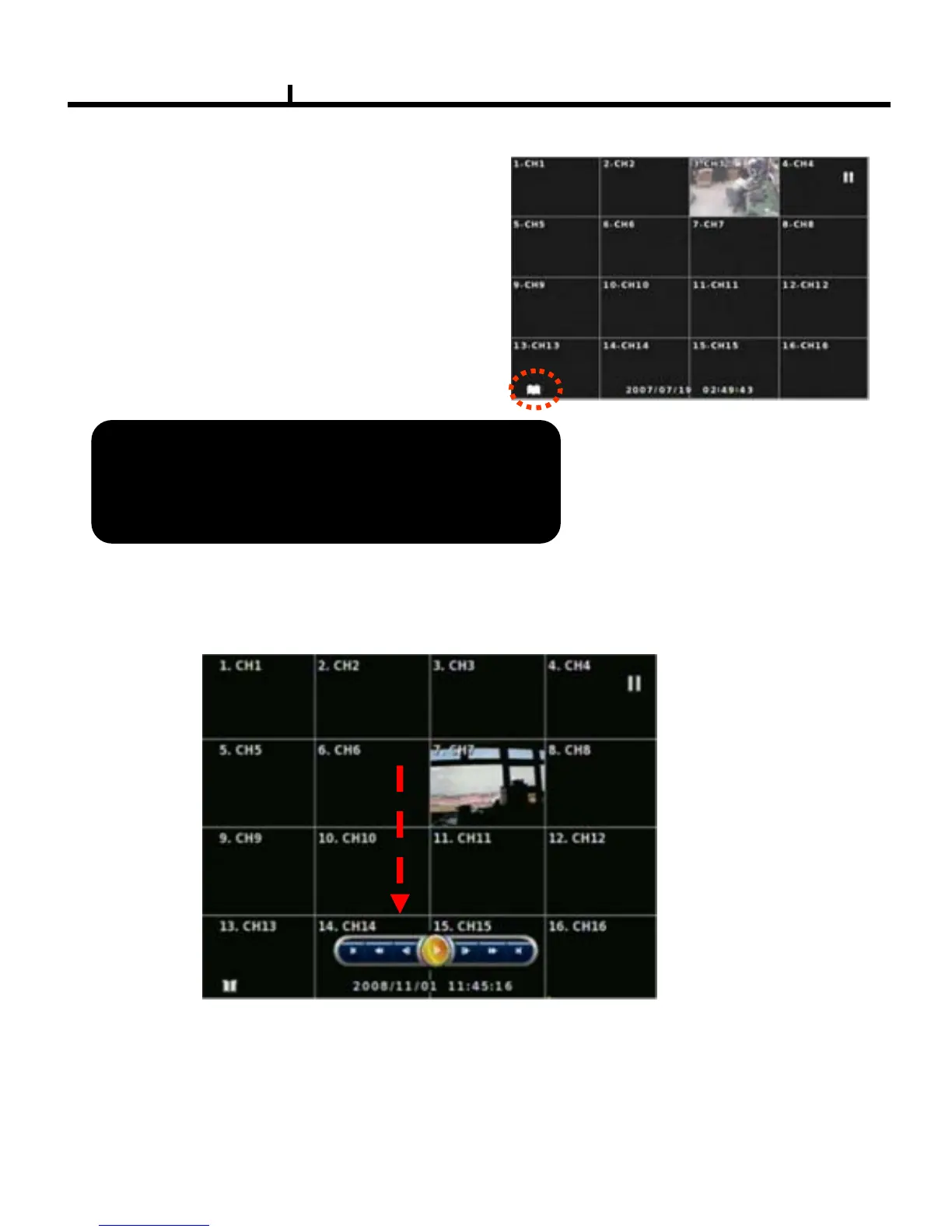
BOOKMARK
Sets automatically starting time during back up.
PLAYBACK USER INERFACE
Playback buttons appears when locate the mouse pointer at the bottom of screen
It is useful to set a bookmark as starting time of backup .
For example : in playback mode , press BOOKMARK
to set the backup start time and press BACKUP to set the
backup end time .



 To Next Page