52
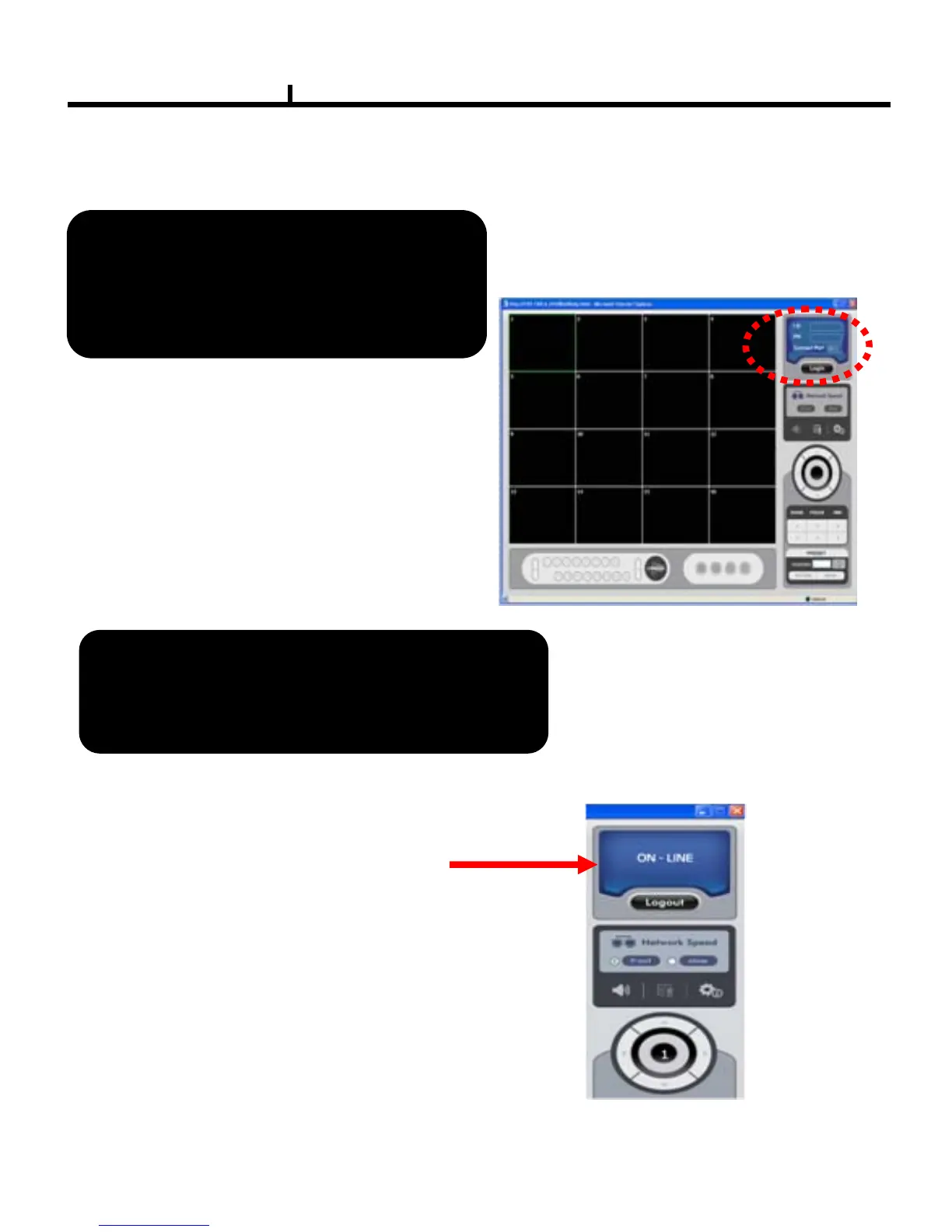
User can use Windows IE Browser connected to the remote DVR system .
Remote Control : Use Windows IE Browser
IE Browser will display DVR control center,
Login with ID and Password , then you can
control the DVR system through the IE Browser .
After login successful it display ON-LINE
1. Right now it doesn’t support Firefox browser
connected to the DVR system
2. Use IE Browser , it doesn’t support playback function
If the viewer opens on IE, user needs to
put connection IP on Select Internet Options
ÆSecurity Æ Trusted sites
ADD this website to the zone



 To Next Page