53
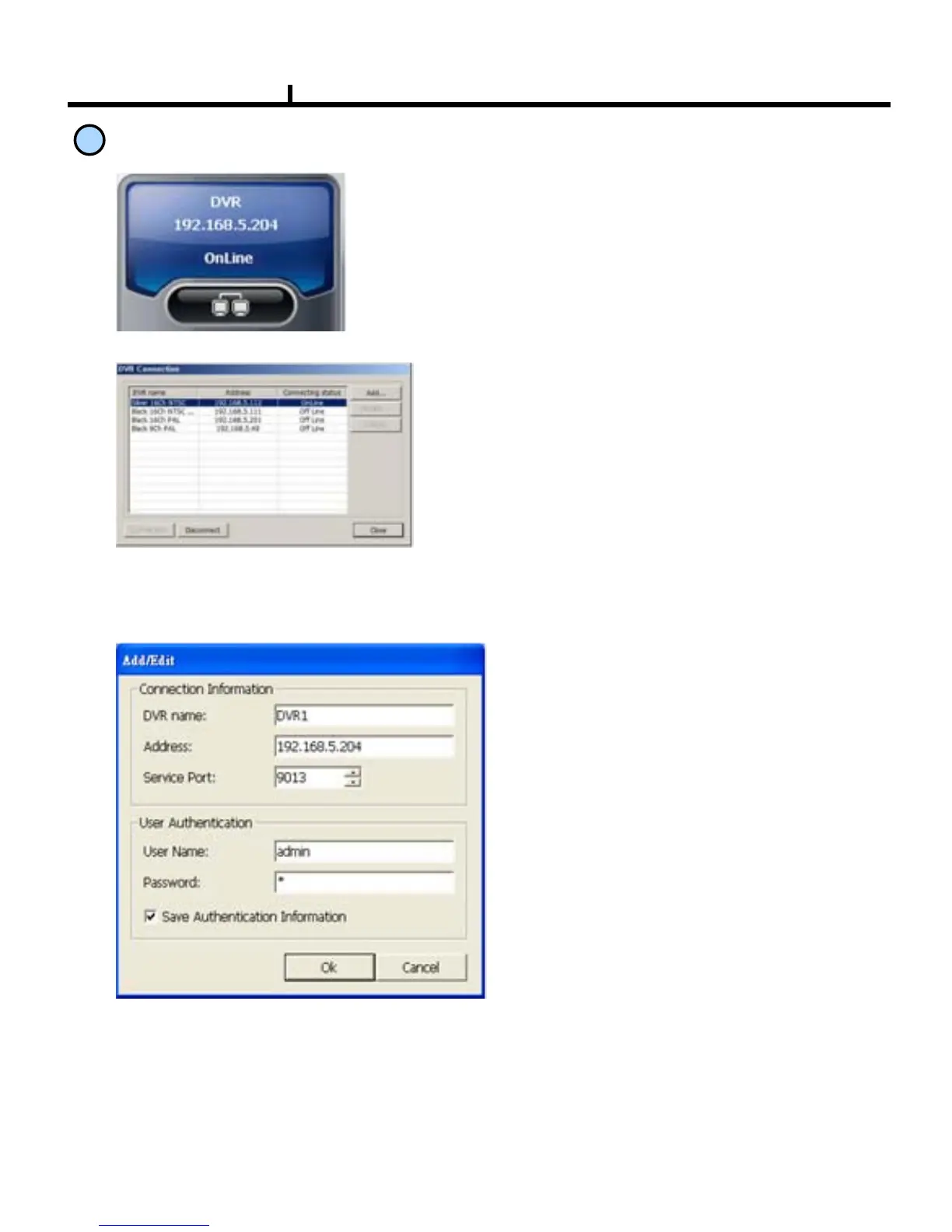
<New Connection/Modify Dialogue Window>
DVR name :
Specify a name that you can easily
identify.
Address :
Specify assigned IP address to
connect DVR (Type the Host name of
REAL IP or DDNS.)
1
Connection information
and Button
Shows DVR’s name, IP address and connection
status.
DVR connection button.
<DVR Connection Window>
Add
Edit
Delete
: Enter IP address and user authentication
to connect DVR
: Modify IP address and user authentication
of the existing list
: Delete existing use.



 To Next Page