84
11
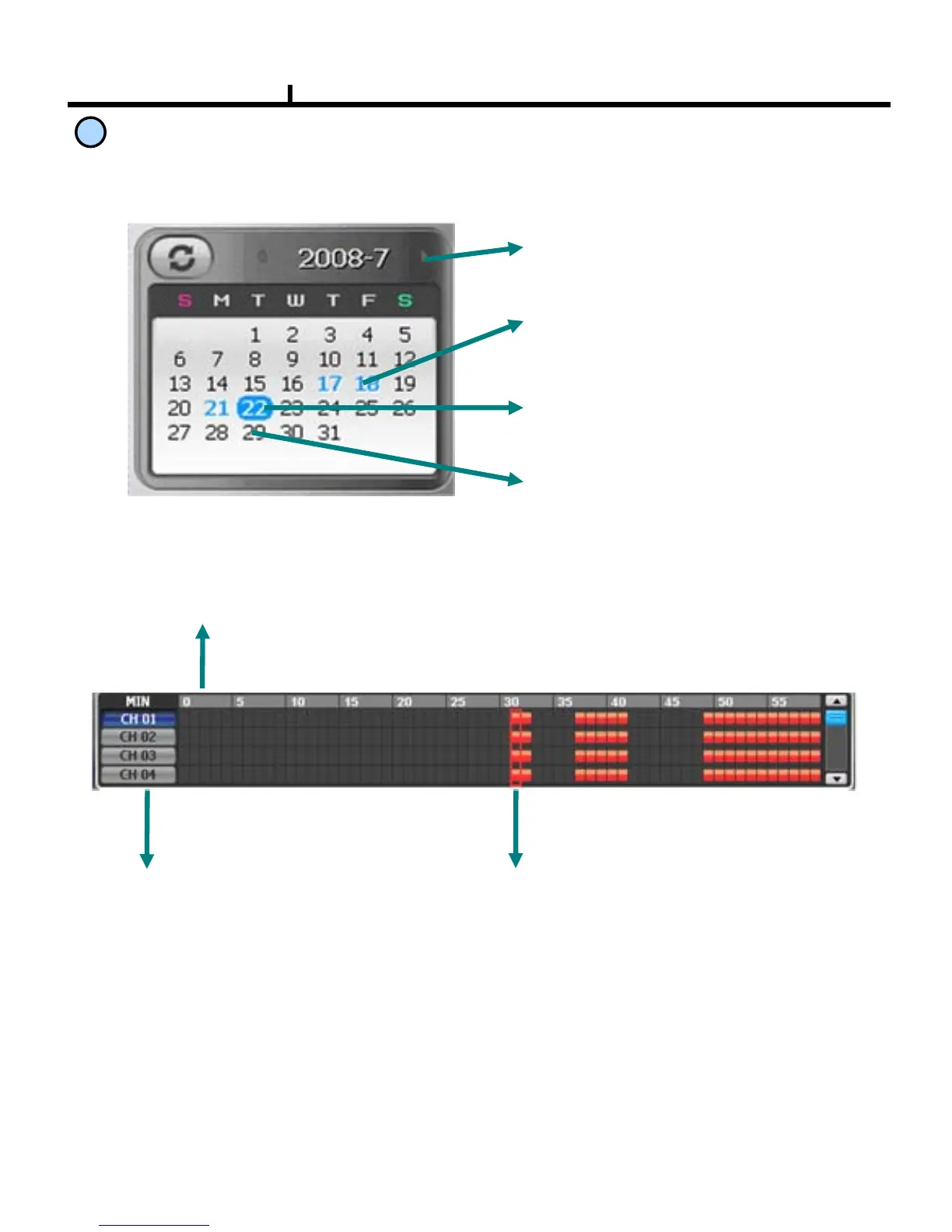
Time Table
Timeline Display : Displays in 24 hours system and one each line is 1 hour unit.
Camera Selection Button :
Select the camera.
Minute selection Pointer::
Select the minute.
Selects year/month/day and hour/minute to search the recorded data.
Year/Month Select Button :
Button to move previous and next month.
Recorded Date (Blue) :
Shows recorded date in blue.
Current Date (Blue Round) :
Shows current date in blue round.
No Recorded Date (Black) :
Shows no recorded data in black.



 To Next Page