9898
1 2
3 4
1
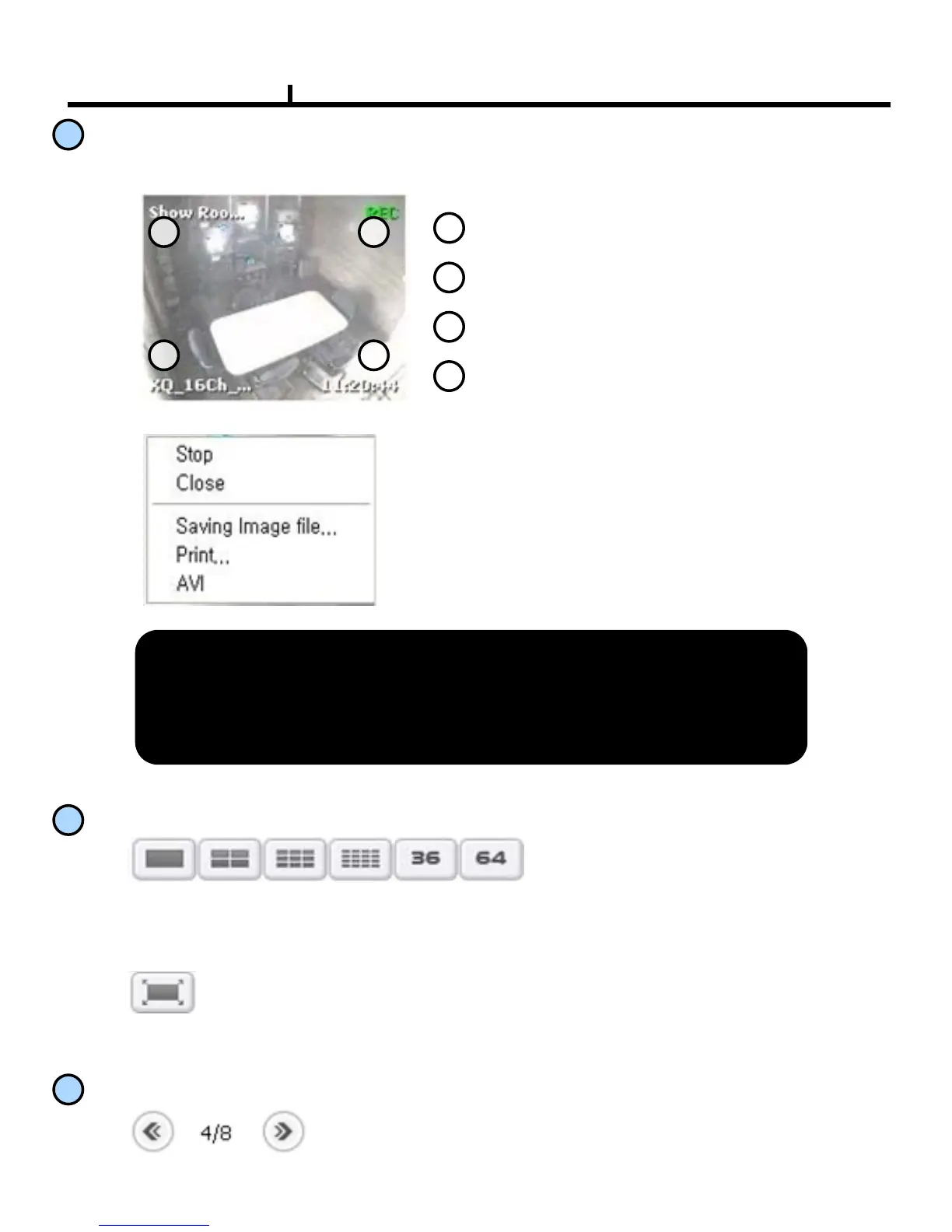
Channel name
2
Recording Status
3
DVR name
4
Current time
Pop-up menu on clicking the right button of mouse,
•Stop : Temporary stops the current image of live view.
•Close: Close the live channel screen .
•Saving Image file : Saving the current live view .
•Print: Printing out the current live view.
•AVI : Saving the current live view as AVI file.
<AVI Storage>
On storing AVI, it stops the archive automatically by the setup time
on the option, without any stop order.
It supports up to 64 screen splitting.
It shows the view of live screen. .
• Full Screen Button
3
Main Screen
Live Screen
4
Screen Splitting Button
5
Screen Movement Button
On the splitting live screen, it moves the next or the before.



 To Next Page