Need help?
Do you have a question about the HiBoost 4K Smart Link and is the answer not in the manual?
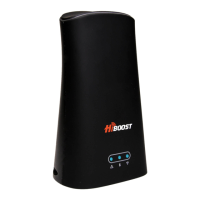
Lists all components included for the 4K Smart Link model.
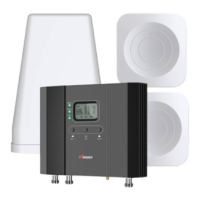
Lists all components included for the 10K Smart Link model.
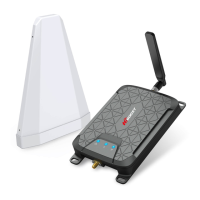
Lists all components included for the 15K Smart Link model.
Explains the first choice for installation using a mobile application.
Explains the second choice for installation using the device's LCD display.
Instructions for downloading necessary third-party mobile applications for signal analysis.
Guide to downloading and connecting the Signal Supervisor mobile application.
Steps for finding the optimal outdoor signal and installing the antenna.
Instructions for installing the indoor antenna for optimal coverage.
Final steps for mounting the booster and routing cables securely.
Instructions for downloading necessary third-party mobile applications for signal analysis.
Steps for installing the outdoor antenna for optimal signal reception.
Instructions for installing the indoor antenna for best coverage.
Final steps for mounting the booster and securing cables.
Solutions for flashing ISO LCD and LED indicator light problems.
Steps for resolving poor signal coverage and alarm LED issues.
 General
| Model | HiBoost 4K Smart Link |
|---|---|
| Category | Extender |
| Video Resolution | 4K |
| Ethernet Ports | 1 |
| Power Supply (AC) | 100-240V |
| Ethernet Port Speed | 100Mbps |

 To Next Page