Need help?
Do you have a question about the HiFuture ColorBuds2 and is the answer not in the manual?
Provides contact details for customer support and inquiries via website and phone.
Ensures earbuds and case are fully charged and sync correctly before use.
Recommends cleaning charging contacts if earbuds are not charging.
Earbuds power on automatically when removed from the charging case.
Earbuds can be powered on manually by tapping the earbuds.
Earbuds power off automatically when placed in the case or disconnected for 5 minutes.
Earbuds can be powered off manually by long-tapping them.
Instructions on how to insert and adjust earbuds for a comfortable fit.
Instructions for charging the case using the provided Type-C cable.
Describes LED status for earbuds: power on, off, pairing, connected, low battery, fully charged.
Explains LED behavior for the case: low battery, charging, and fully charged.
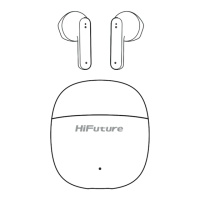
Lists the items included in the package: earbuds, charging case, manual, and USB cable.
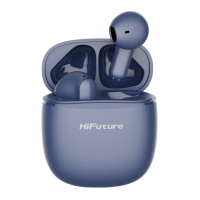
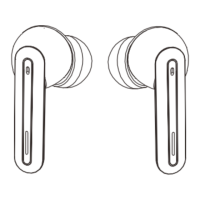
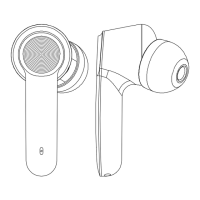
Identifies key parts of the earbuds and charging case with numbered labels.
Tap controls for playing, pausing music, and skipping tracks.
Tap controls for volume levels and activating voice commands.
Tap controls for handling calls and resetting the earbuds.
Step-by-step guide to pairing the earbuds with a smartphone via Bluetooth.
Procedure to reset the earbuds if they lose sync or encounter issues.
Lists conditions that void the product warranty, such as misuse or unauthorized modifications.
Details product compliance with EU directives and identification of the importer.
Guidance on disposing of the product according to WEEE regulations to protect the environment.
 General
| Frequency Response | 20Hz - 20kHz |
|---|---|
| Weight (charging case) | 35g |
| Touch Controls | Yes |
| Voice Assistant Support | Yes |
| Colors | Black, White, Blue, Pink |
| Charging Time | 1.5 hours |
| Microphone | Yes |

 To Next Page