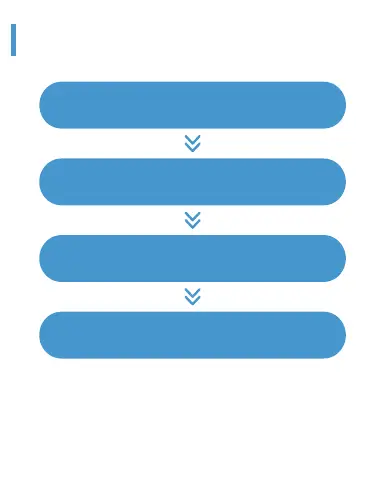
Open the mobile APP to set personal information
And switch to the device page. Click add device
Search and match to connect to your device
Binding is completed
Watch Charging and Activation
Slide down the watch timetable panel to display the shortcut page,
click to enter the settings, and then click the about icon to display
the watch’s MAC address. You can determine your device by listing
the watch’s MAC address on the device;
After the watch is bound successfully, it will automatically connect
with the mobile phone in the future, and the data can be refreshed
synchronously by drop-down in the APP data page;


 To Next Page