EasyManua.ls Logo

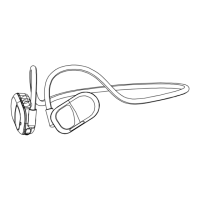
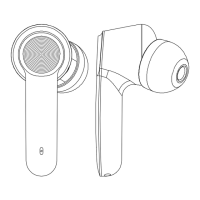
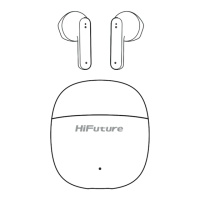
HiFuture FutureMate - Device Controls; Power On;Off; Pairing and Connection; Playback and Call Management

HiFuture FutureMate
28 pages
Print Icon
To Next Page IconTo Next Page
To Previous Page IconTo Previous Page
Loading...
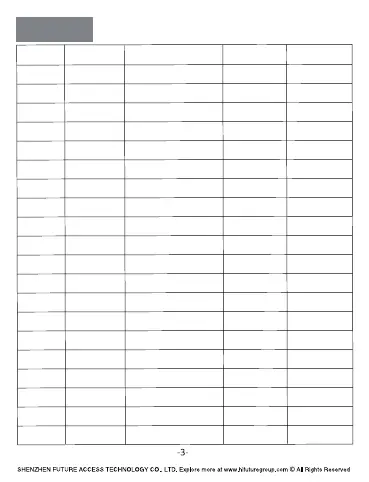
Controls
Line No. Desire Result Require Action Voice Prompts Indicator Light
1
2
3
4
5
6
7
8
9
10
11
12
13
14
15
16
17
18
19
20
POWER ON
POWER OFF
PAIRING
CONNECTED
DISCONNECTED
PAUSE
PLAY
PRE. TRACK
NEXT TRACK
VOLUME UP
VOLUME DOWN
ANSWER CALL
END CALL
REJECT CALL
BATTERY LOW
CHARGING
CHARGED
AUTO OFF
DUT Mode
.CES 5 ROF BFM SSERP
After Power on
After Paired
Out of distance or
Bluetooth Disconnected
DOULBLE PRESS MFB
DOULBLE PRESS MFB
.CES 2 ROF - SSERP GNOL
BFM SSERP GNOL
FOR 2 SEC.
BFM SSERP ELGNIS
- SSERP ELGNIS
BFM SSERP ELGNIS
BFM SSERP ELGNIS
BFM SSERP GNOL
FOR 2 SEC.
No connection for 5 min.
or Charging
Quick Press "MFB" 5 time
while Power On
Power on
Power off
Pairing
You are connected
to HiFutu
re
You are disconnected
to HiFuture
/
/
/
/
/
/
/
/
/
/
Max. Alarm
Min. Alarm
Voce bee
Battery low
Blue Blinks 1 sec.
Red Blinks 1 sec.
Blue & Red Blinking
Blue Blinks /15 sec.
Red Blinks
Red lights on
Blue lights on
Red Blinks 1 sec.
Blue Blinking
RESET
Ding
Power off status, long press
“MFB”&“-”for 5 seconds
Blue & Red
Blinking 1 sec.

Related product manuals