11
5. Using eSATA and USB drives with the RocketStor 6351A
Any previously used eSATA/USB disk attached to the
RS6351A will be recognized automatically.
5.1 Initializing new storage under Mac OS X.
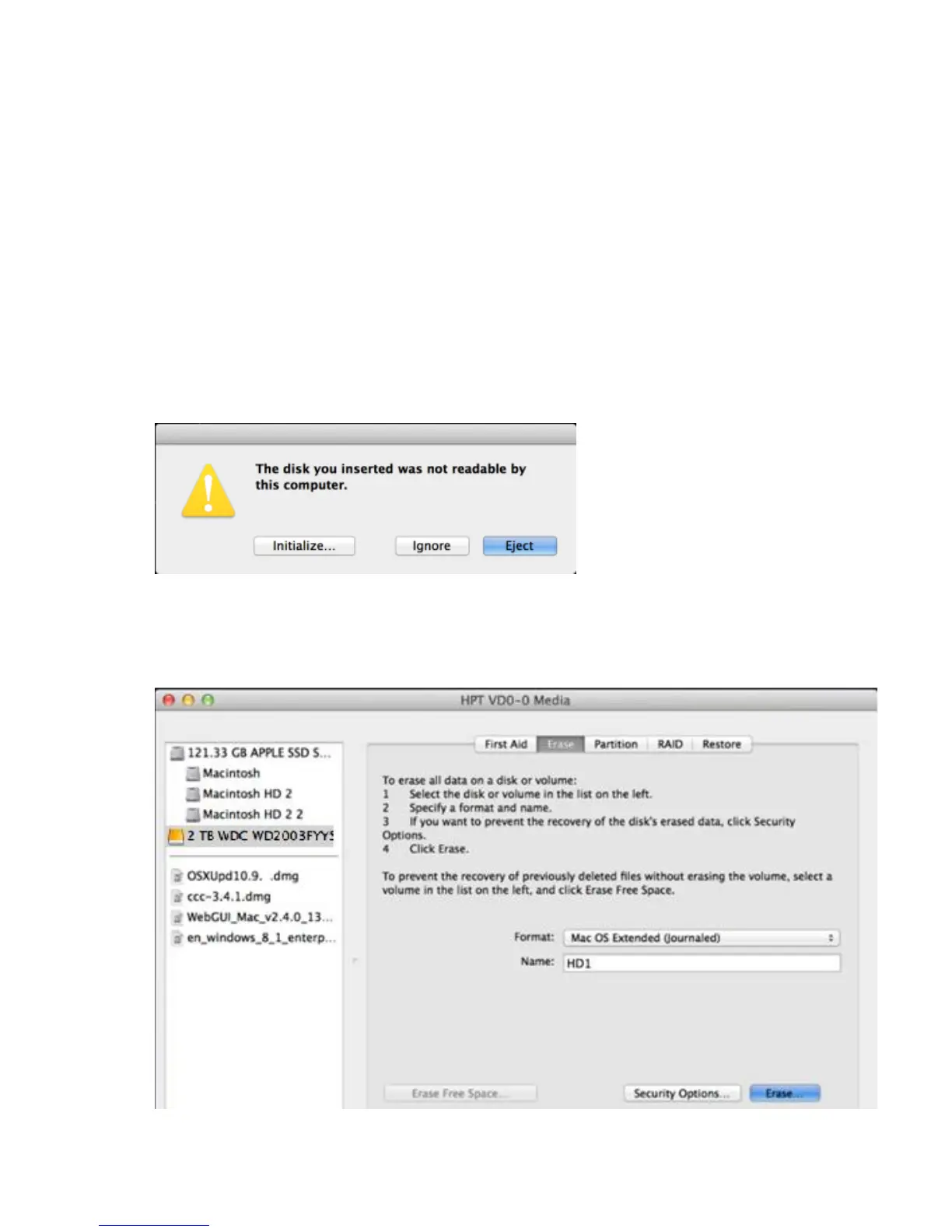
1) After a new disk is installed, OS X will display a pop-up
window with options to initialize, Ignore or Eject. Click
Initialize to open Disk Utility.
2) Select the target volume and click the Erase tab. Enter a
name in the Name: field, and click the Erase button
towards the bottom right-hand corner, to format the disk.



 To Next Page