12
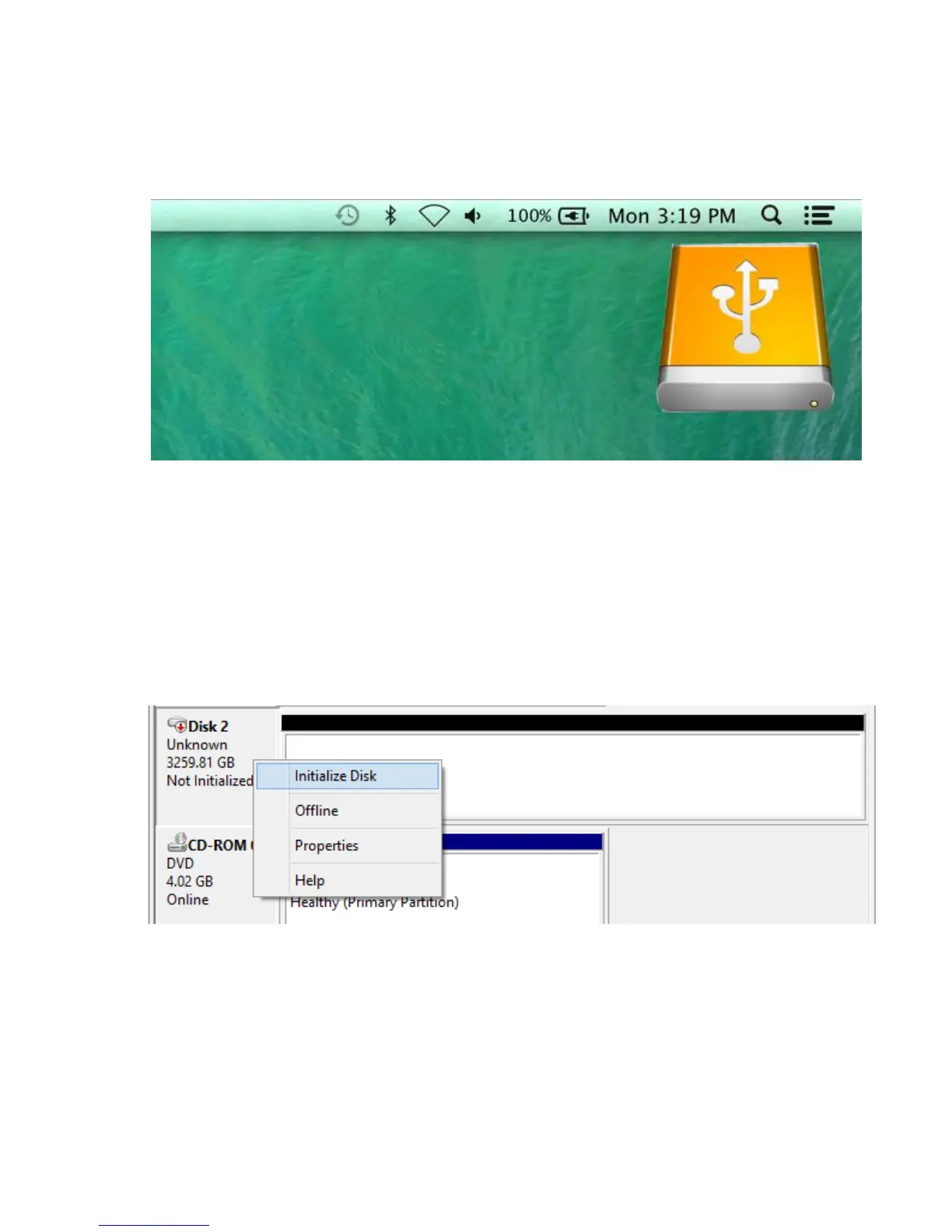
3) After the new storage drive is erased, the new storage
volume icon will be found on the desktop and finder as a
new disk volume.
5.2 Initializing new storage under Windows
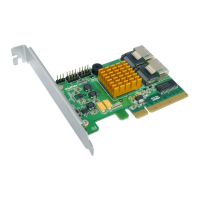
1) After a new disk is installed, open the Windows Disk
Management utility. Right click the new disk and select
Initialize Disk.



 To Next Page