2
Install/Update Drivers
Installing Drivers on an Existing Operating System
Drivers provide a way for your operating system to communicate with your new
hardware. Updating to the latest drivers ensures your product has the latest
performance, stability, and compatibility improvements. Drivers are updated regularly
at www.highpoint-tech.com
1. Download the latest driver files from our website www.highpoint-tech.com>
Support > Documents and Downloads >RocketStor6418TS.
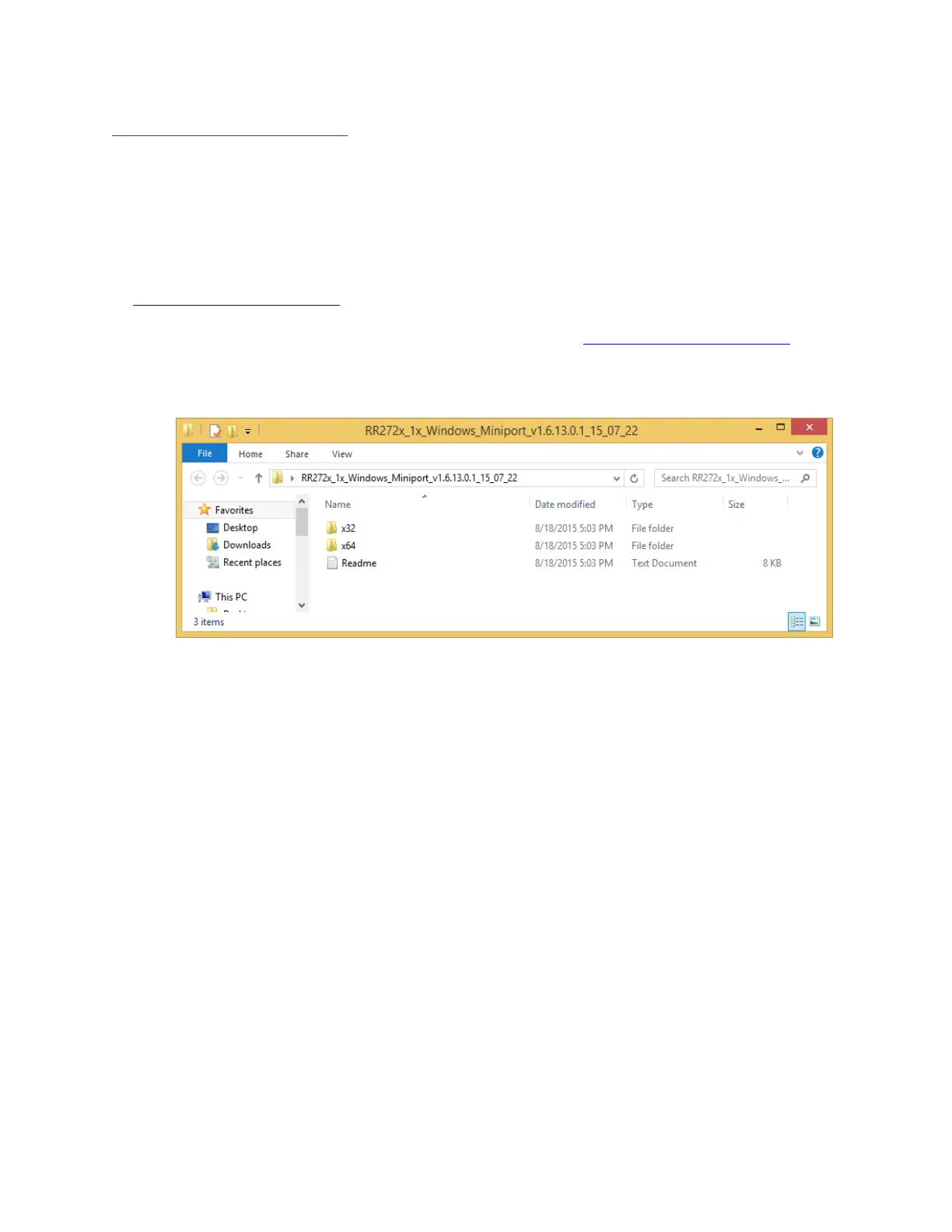
2. Extract the downloaded files onto your PC and note the location of the files.
3. Open Windows Device Manager (Control Panel > Hardware and Sound > Devices
and Printers > Device Manager).
4. Under Other devices, right-click RAID Controller.
5. Click Update Driver Software.



 To Next Page