5
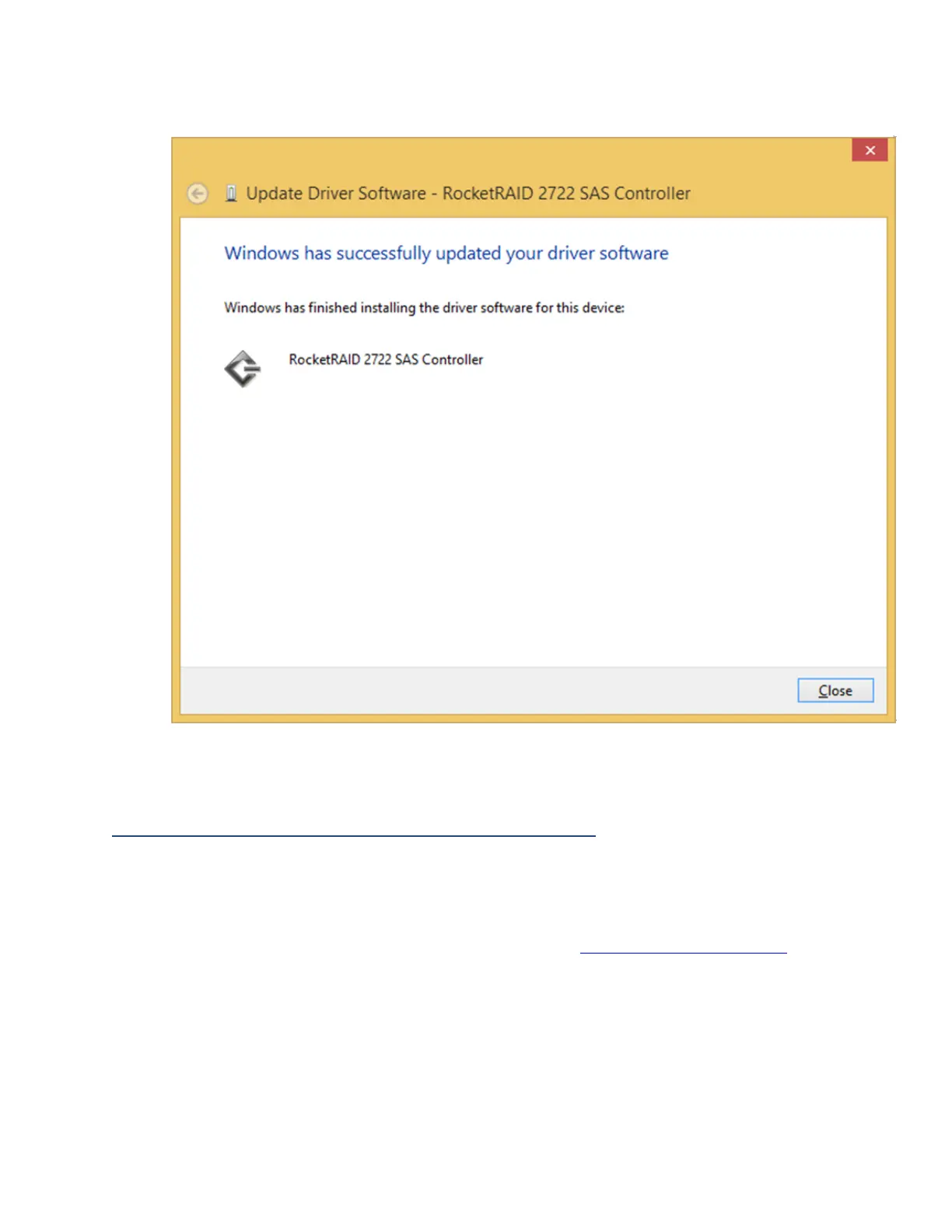
10. After clicking Install, the driver will be installed.
11. Reboot to allow the changes to take effect.
Install HighPoint RAID Management (WebGUI)
The HighPoint RAID Management (WebGUI) software is necessary to create, maintain,
and view your RAID arrays.
1. Download the latest WebGUI from our website at www.highpoint-tech.com>
Support > Documents and Downloads >RocketStor6418TS> Windows WebGUI
2. Extract and open the contents of the downloaded file.



 To Next Page