7
6. Your default web browser will open and prompt for username and password
(Default username: RAID / password: hpt). Username and password are case-
sensitive.
7.
Uninstalling HighPoint RAID Management (WebGUI)
1. Open Control Panel.
2. Click Uninstall a program.
3. Select HighPoint RAID Management to uninstall.
Quick Way to build RAID 5 Storage Array
1. Double-click the RAID management software ICON on the desktop to log into the
WebGUI.
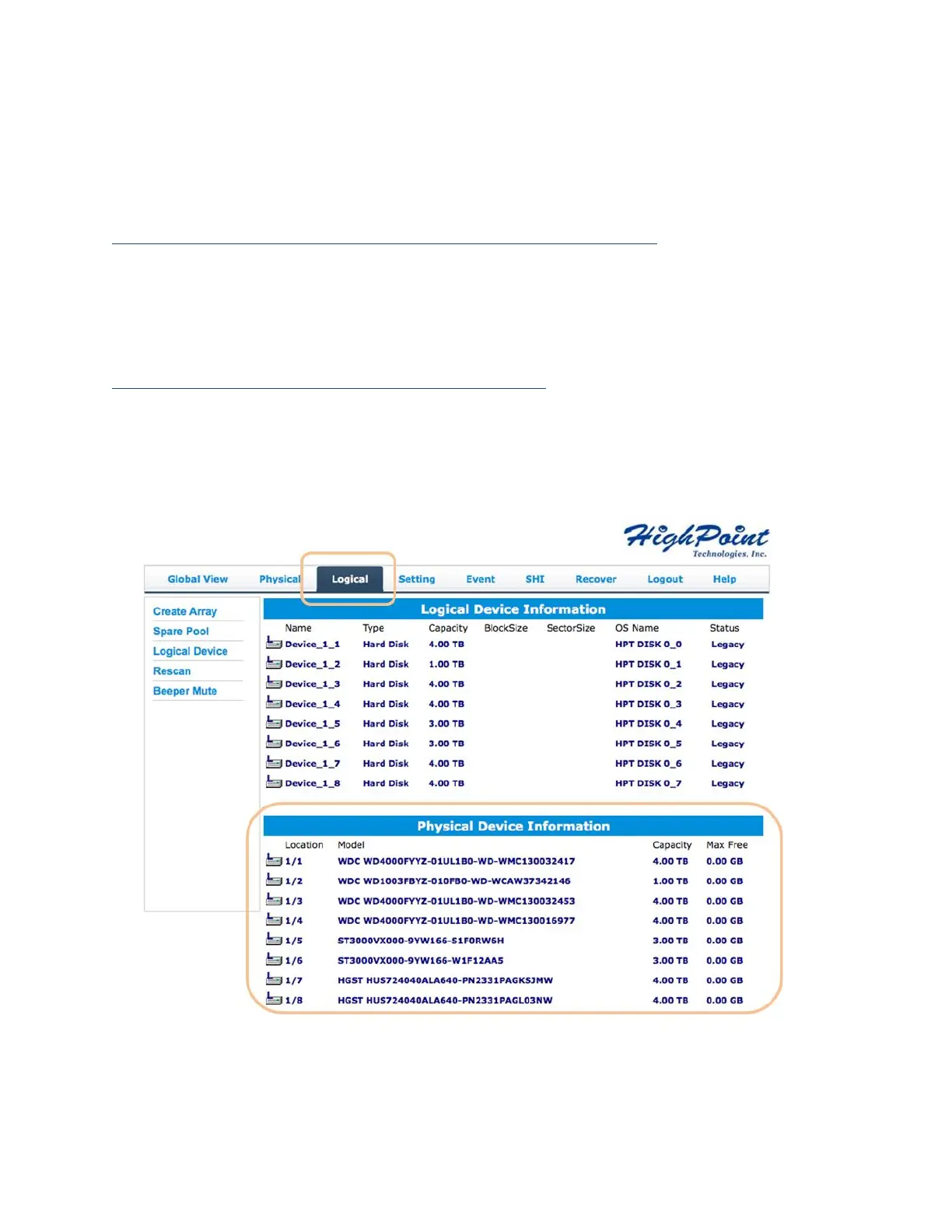
2. Click on the Logical tab at top of the interface menu – this will display a list of
available drives (Physical Device Information). Make sure all installed drives are
properly detected.
Note:
Single or new (unused) drives will be labeled as Legacy disks. Legacy disks can be
used to create a new RAID array.



 To Next Page