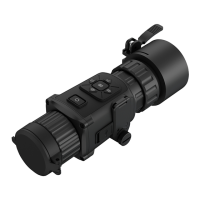
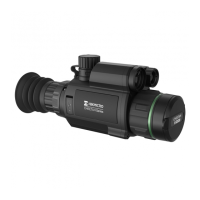
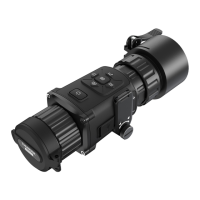
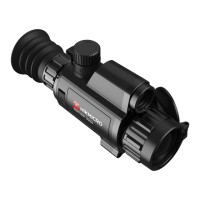
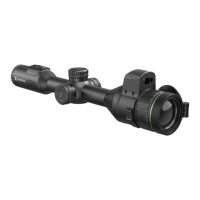
02
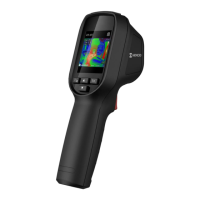
Appearance (Page 1)
1
Charging
Solid Red: Charging.
Solid Green: Fully charged.
Connect to UNC 1/4”-20 tripod.
Charge the battery or export files.
5 Laser
Locate the target position with laser
7* Visual Lens*
View the visual image (only supported
8 Trigger
In live view:
Press: Capture snapshots.
Hold: Locate the target with laser
light, and release to capture
snapshots.
In menu mode, press the trigger to go
Charge Camera
The camera is equipped with a built-in battery. It is recommended to
charge the camera with the included USB cable and the Type-C
interface on camera. Do not use the USB-C to USB-C cable of other
manufacturers.The power adapter (not included) should meet the
following standards:
Output Voltage/Current: 5 VDC/2 A
Power Output: 10 W
Note
If the camera is not in use for an extended period and is
over-discharged, it is recommended to charge for at least


 To Next Page
 Loading...