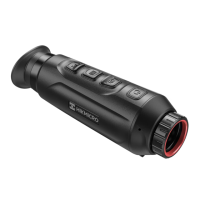
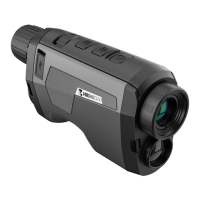
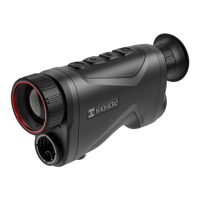
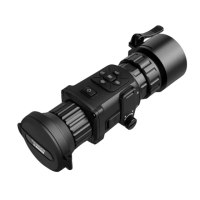
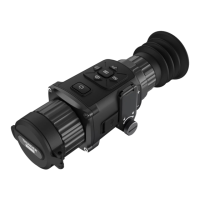
1. Lens Cover: Protects the lens.
2. Focus Ring: Adjusts focus to obtain clear targets.
3. Buttons: To set functions and parameters.
4. Diopter Adjustment Ring: Adjusts the dioptric.
5. Eyepiece: The piece placed closest to the eye to
view target.
6. Battery Compartment: For holding the battery.
7. Type-C Interface: To connect the device to power
supply or transmit data with a type-C cable.
8. Tripod Mount: Connects to the tripod.
Press: Standby mode/wake up device | Hold: Power on/off
* The power indicator stays solid red when the device is on.





 To Next Page