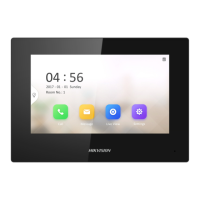
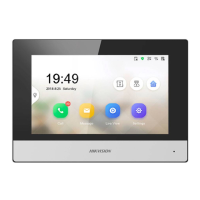
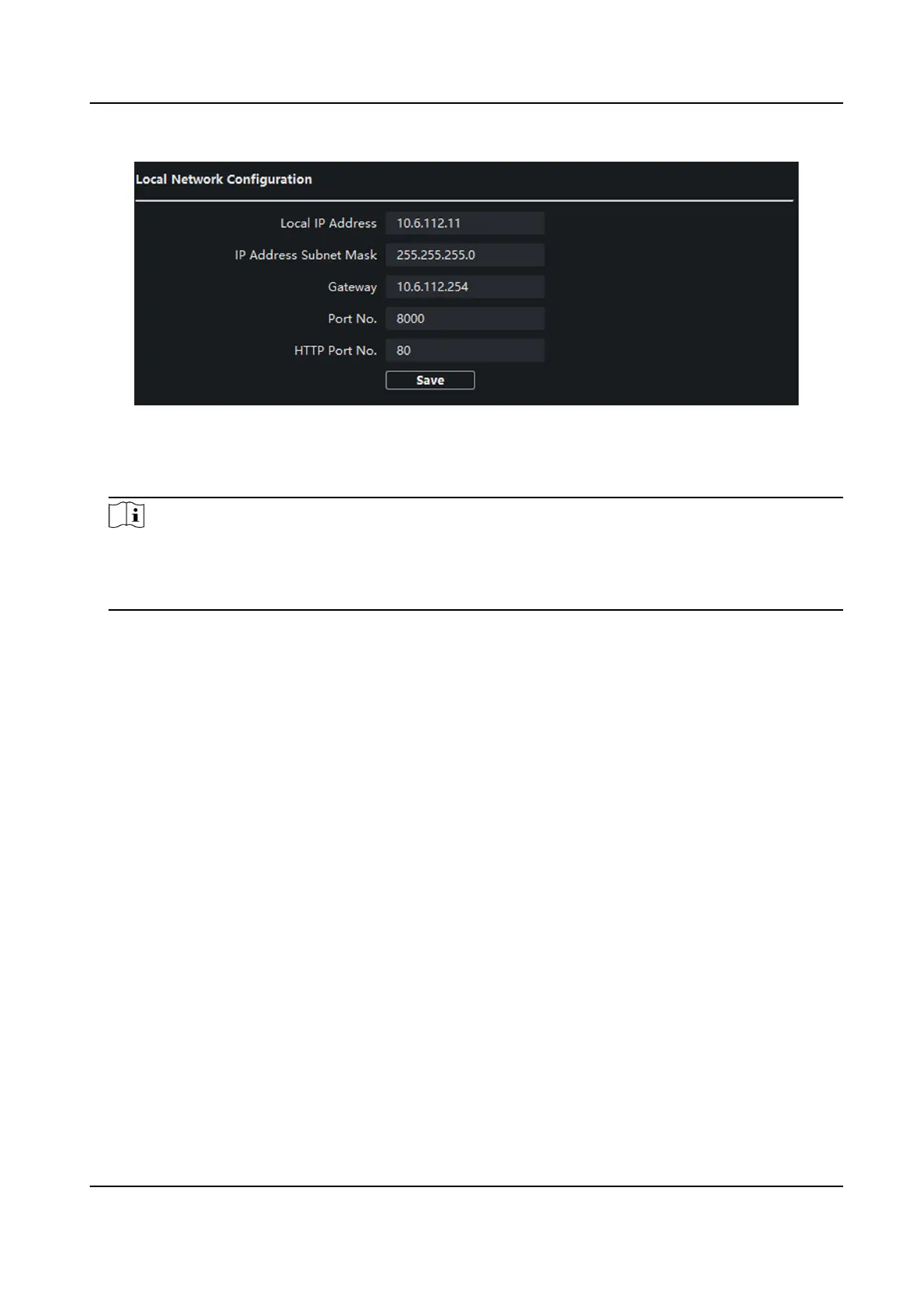
Figure 4-19 Local Network Conguraon
2.
Enter the Local IP Address, IP Address Subnet Mask, Gateway, Port No. and HTTP Port No.
3.
Click Save to enable the sengs.
Note
●
The default port No. is 8000.
●
Aer eding the local network parameters of device, you should add the devices to the device
list again.
SIP Server Conguraon
Steps
1.
Click SIP Server Conguraon to enter the conguring the SIP parameters page.
Network Indoor Staon Conguraon Guide
61


 To Next Page
 Loading...