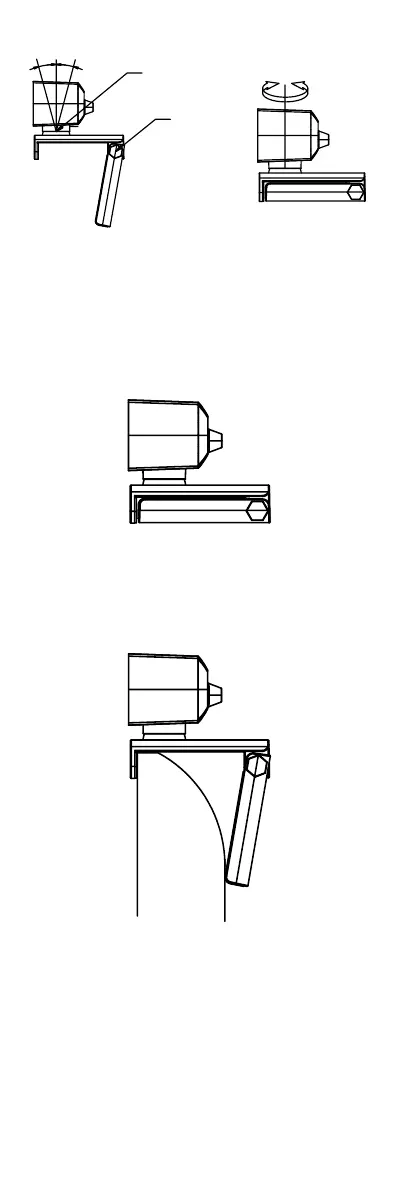
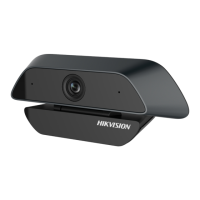
Figure 2-1 Angle Adjustment
2.2 Mounting Methods
2.2.1 Place on the Desktop
You can place the device on the desktop in the
following way.
Figure 2-2 Place the Device on the Desktop
2.2.2 Clamp on the Display
You can clamp the device on the display of different
thickness.
Figure 2-3 Clamp the Device on the Display
2.2.3 Install to the Bracket
You can also install the device to bracket through
1/4-20UNC-2B screw hole.


 To Next Page