EasyManua.ls Logo

Hillman HDC-1680 - User Manual

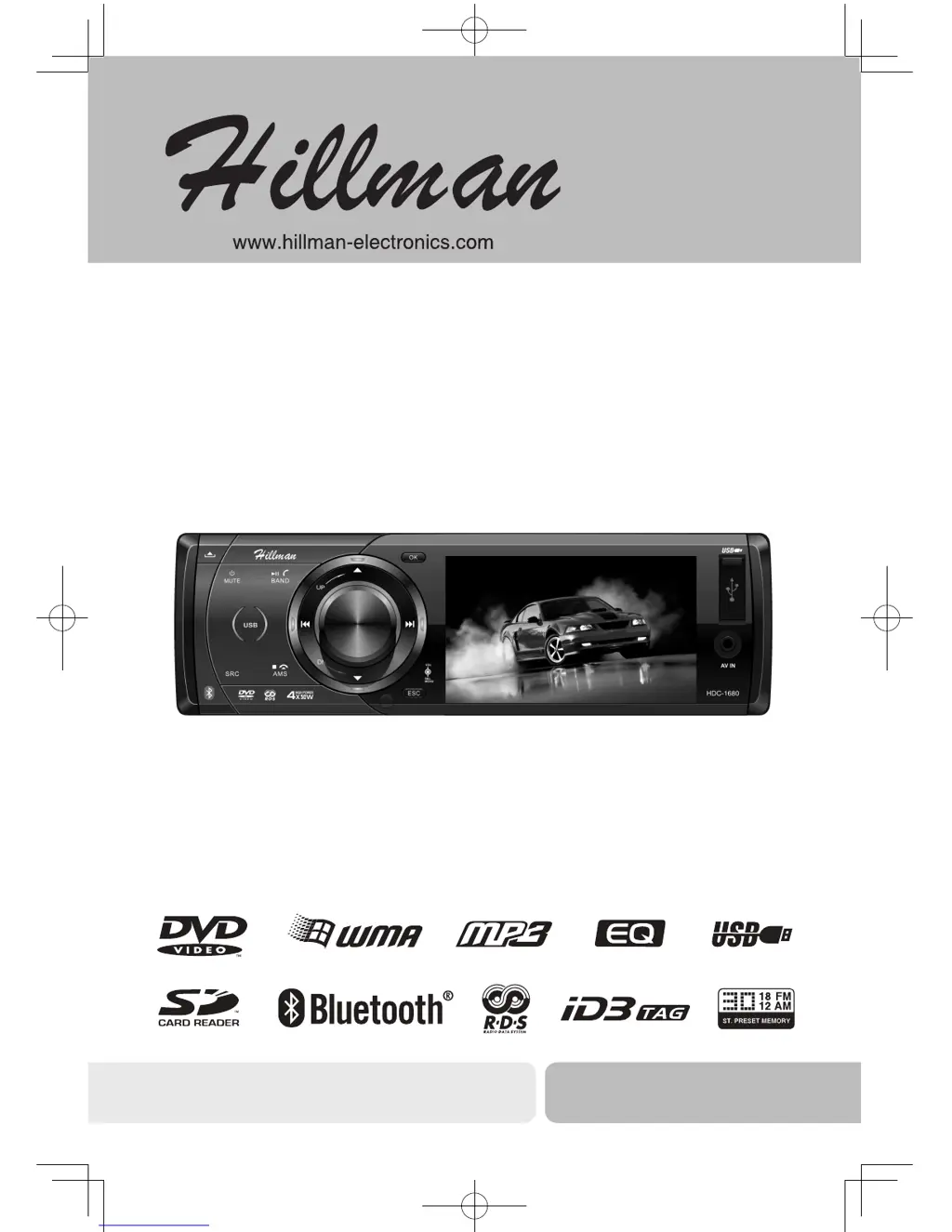
Hillman HDC-1680
30 pages
Print Icon
To Next Page IconTo Next Page
Loading...
Operation Instructions
DVD/VCD/CD/MP3/MP4/USB/SD/MMC PLAYER
BLUETOOTH, WITH FM/MW TUNER
HDC-1680
DVD/VCD/CD/MP3/
USB/SD/MMC Player with FM/MW Tuner
Operating Instructions

Questions and Answers

  • C
    clarkbrandonAug 16, 2025
    Why won't my Hillman HDC-1680 Car Receiver switch on?
    • J
      James GibsonAug 17, 2025
      Your Hillman Car Receiver might not switch on due to several reasons: the car ignition might not be on (turn your car key in the ignition), the cable might not be properly connected (check cable connection), or the fuse might be burnt (replace the fuse with a new one of the same capacity).
  • R
    Richard MartinAug 19, 2025
    What to do if my Hillman HDC-1680 Car Receiver has no sound?
    • C
      cindy92Aug 19, 2025
      If your Hillman Car Receiver has no sound, check if the volume is set at minimum or if the mute function is on. Adjust the volume or switch the mute function off.
  • M
    Matthew HatfieldAug 22, 2025
    Why are my preset stations lost on my Hillman HDC-1680 Car Receiver?
    • G
      Gary DuncanAug 22, 2025
      Preset stations might be lost on your Hillman Car Receiver because the battery cable is not properly connected. Ensure that the permanent live on the unit is connected to the permanent live on the vehicle.
  • L
    lisa34Aug 25, 2025
    What to do if my Hillman HDC-1680 is not reading USB or SD/MMC card?
    • K
      Kevin JamesAug 26, 2025
      If your Hillman Car Receiver cannot read the USB device or SD/MMC card, it might be because the NTFS format is not supported. Check that the USB/SD/MMC file system is in FAT or FAT32 format.
  • R
    Rebekah JacksonAug 27, 2025
    How to improve poor quality reception of radio station on Hillman HDC-1680?
    • C
      chandlermichaelAug 28, 2025
      If you are experiencing poor quality reception of a radio station on your Hillman Car Receiver, the antenna may not be fully extended or it may be broken. Fully extend the antenna, and if it is broken, replace it with a new one.
  • A
    Anthony SandersAug 30, 2025
    What to do if Hillman HDC-1680 remote control is not working?
    • R
      Robert GallowayAug 30, 2025
      If the remote control for your Hillman Car Receiver is not working or not working properly, the batteries may be low or empty. Try changing the batteries.
  • E
    Emily HarperSep 1, 2025
    What to do if my Hillman HDC-1680 Car Receiver unit or screen does not function normally?
    • A
      Alicia StanleySep 2, 2025
      If the unit or screen of your Hillman Car Receiver does not function normally, it may be due to an unstable system. Press the RESET button.
  • W
    William BonillaSep 4, 2025
    Why won't my Hillman HDC-1680 play discs?
    • A
      Alexander NelsonSep 4, 2025
      Your Hillman Car Receiver might not play discs if the disc is inserted incorrectly (the disc must be inserted with the label side facing up), or if the disc is dirty or damaged (clean the disc and check for damage; try another disc).
  • C
    christinewilliamsSep 7, 2025
    Why does sound skip on my Hillman HDC-1680 due to vibration?
    • T
      Thomas BuckleySep 7, 2025
      Sound skipping due to vibration on your Hillman Car Receiver can be caused by: 1. Mounting angle exceeding 30 degrees (adjust mounting angle to less than 30 degrees). 2. Unstable mounting (mount the unit securely with the supplied parts).
  • E
    Emily NelsonSep 10, 2025
    Why am I unable to receive stations on my Hillman Car Receiver?
    • J
      johnsondavidSep 10, 2025
      If you are unable to receive stations on your Hillman Car Receiver, the antenna may not be connected properly. Ensure the antenna is correctly connected.

Hillman HDC-1680 Specifications

General IconGeneral
BrandHillman
ModelHDC-1680
CategoryCar Receiver
LanguageEnglish

Related product manuals