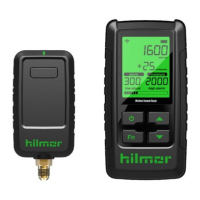
1839010 and 1839011 Electronic Gauge
Zeroing out the Pressure Sensor:
Note: Before beginning, disconnect the Electronic Gauge from the unit and hoses,
and open all valves to ensure there is no pressure remaining in the manifold.
1. Press and hold the button for 5 seconds.
2. The display screen will read “zero out pr 1 pr 2” once in the zeroing out mode.
3. Turn center knob to “yes,” and press knob to select.
4. Restart the unit (power o and on) before using the Electronic Gauge.
5. Take a break. You deserve it.
Maintenance:
• Exterior: Clean the outside of the unit with a dry cloth if needed. Do not use
liquid on any part of the manifold or display unit.
Refrigerant Updates:
This unit comes with 43 refrigerants preloaded to the device. On occasion,
hilmor will make an update to the P/T Chart. Had your Electronic Gauge for a
while? Check hilmor.com for the most up-to-date P/T version.
1. Download the refrigerant file from hilmor.com to an empty USB flash drive.
2. Plug the USB flash drive into the USB port located in the battery compartment.
3. Press the power button to turn on the unit.
4. Turn and press the center knob to “yes.”
5. The display screen will read “USB Load” while information is loading.
6. The upload is complete when the display screen reads “Load Done.”


 To Next Page