301 Chestnut Street, East Longmeadow, MA 01028 + 1-800-628-8810
6
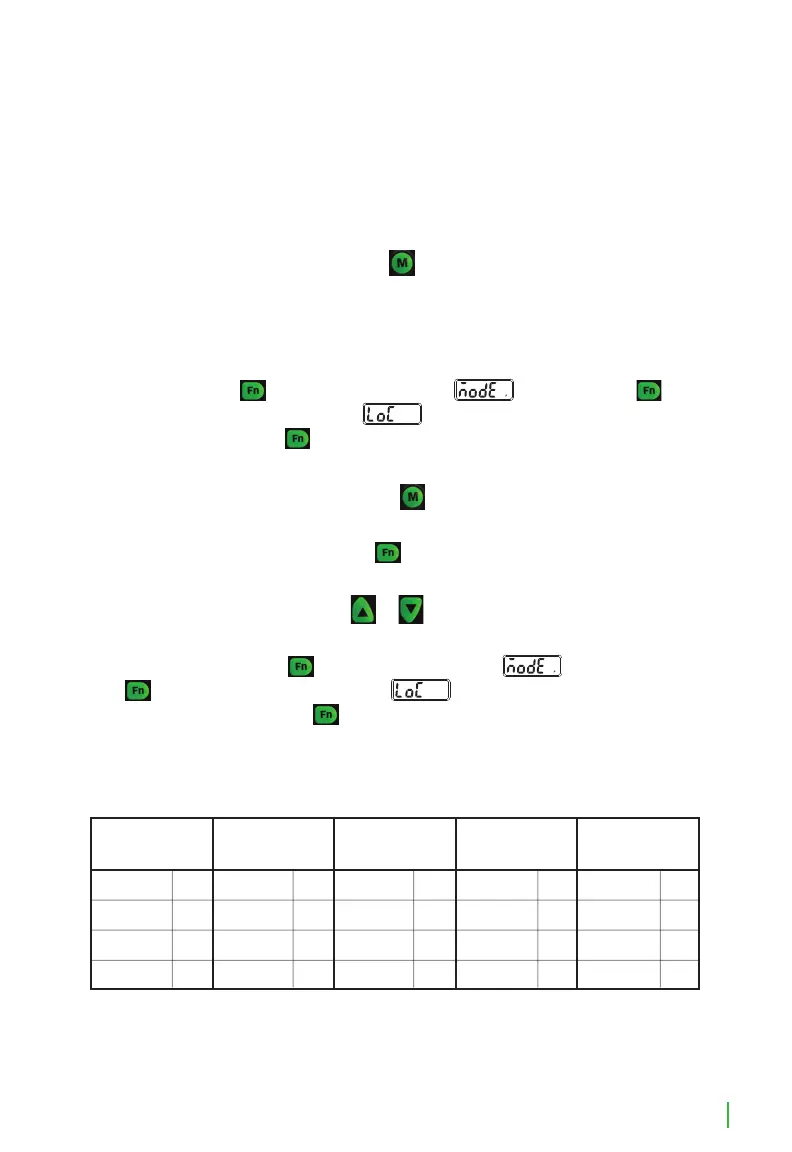
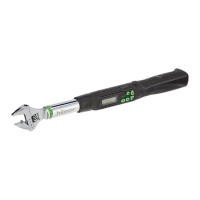
1. The hilmor Digital Adjustable Torque Wrench has nine memory settings.
These are displayed at the bottom of the display by the symbols.
2. To use a dierent preset, press the
button repeatedly until you arrive on
the desired preset number.
Changing Preset Values:
1. UNLOCK: The preset values can be customized if you turn the lock OFF.
Press and hold
until the screen displays . Then press the
button one additional time until is displayed. Toggle to OFF, using the
arrow buttons. Press four additional times to get back to the torque
value screen.
2. Change to Preset number: Press the
button repeatedly until you arrive on
the memory setting number that you want to change the torque values on.
• Unit of measure: Press the
button until you reach the unit of
measure you want to set the memory to.
• Torque value: Press the
or arrow and scroll until the desired
torque reading is displayed on the screen.
1. LOCK: Press and hold
until the screen displays . Then press the
button one additional time until is displayed. Toggle to ON using
the arrow buttons. Press four additional times to get back to the torque
value screen.
Memory Presets
MEMORY PRESETS
1
ft-lbs ft-lbs ft-lbs ft-lbs ft-lbs
in-lbs in-lbs in-lbs in-lbs in-lbs
N-m N-m N-m N-m N-m
kg-cm kg-cm kg-cm kg-cm kg-cm
14 30 40 48 59
168 360 480 576 708
19 40.7 54.3 65.1 80
194 415 554 664 816
2 3 4 5
Four additional memory settings can be customized
to other common torque values.


 To Next Page