HM100
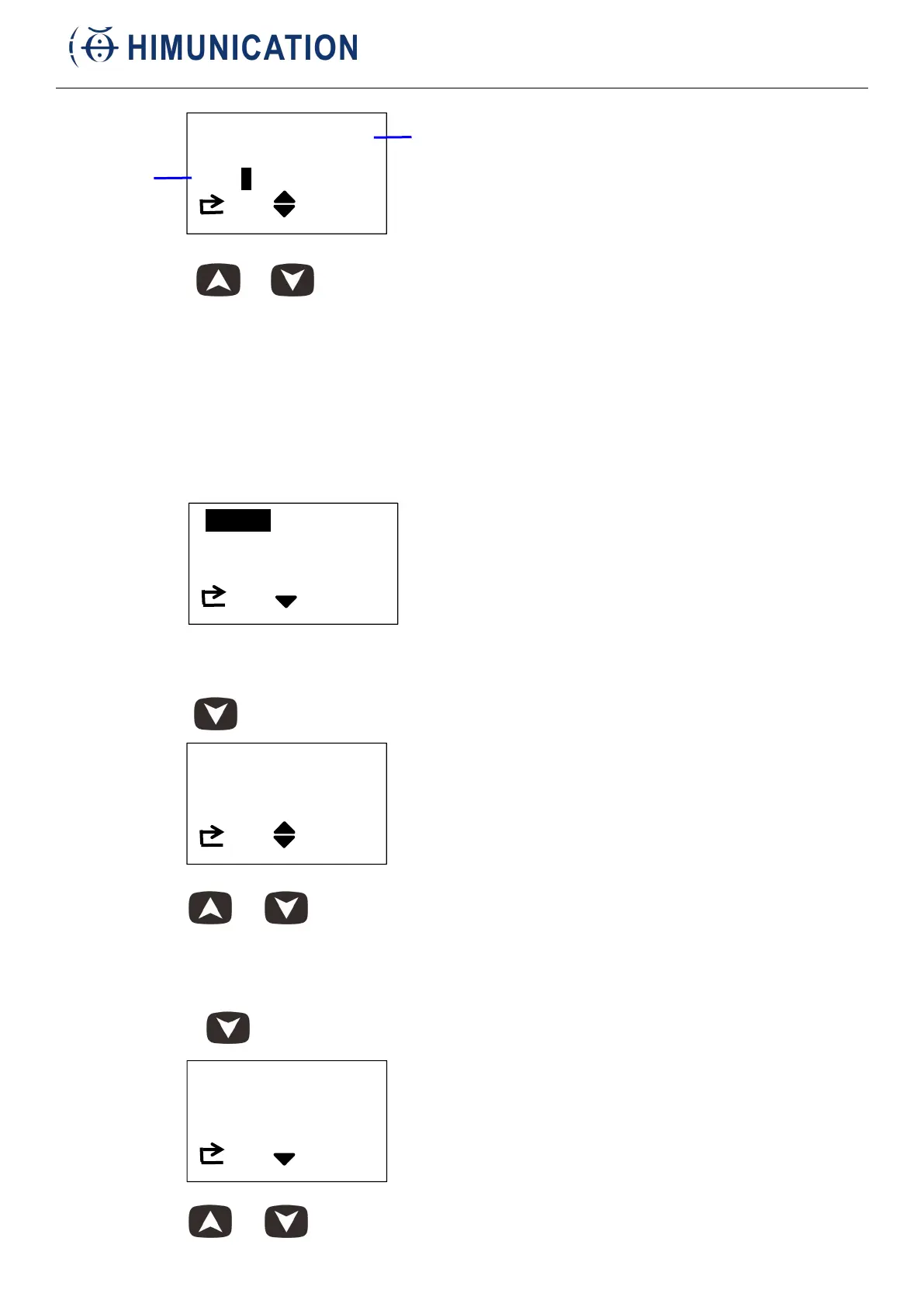
Short press or to change the receiving frequency. If a signal is received, the
speaker will output sound.
Short press VOL/SQL MENU to adjust the volume of the radio.
Short press CH/* WX to return main menu.
2. Function
Select Function, short press H/M/L Lock, select Scan or Pscan.
Short press CH/* WX to return main menu.
3. Contrast
Short press to select Contrast
Short press or to change contrast. Short press CH/* WX to return main menu.
4. Dimmer
Short press to select Dimmer.
Short press or to change dimmer. Short press CH/* WX to return main menu.



 To Next Page