HM100
This indicator shows the channel is memoried in the transceiver.
RX Indicator
This indicator appears when a signal is being received or the radio is unsquelched.
“ RX” Indicator
HI TRANSMIT POWER Indicator
“HI”: 6 W (5W)*
“Mi”: 3 W
“Lo”: 1 W
*(5W TX required in Some Countries)
Channel Display
The operating channel is shown on the LCD in both the transmit and the receive modes.
BASIC OPERATION
Install the antenna
Long press the power key to turn on the radio.
Short press or to adjust the channel, long press or to adjust quickly.
Short press VOL/SQL MENU key to enter the interface of adjusting volume, short press
or to change the volume.
Short press VOL/SQL MENU to enter the interface of adjust SQL, short press or
to change SQL level.
Short press VOL/SQL MENU again to exit.
Short press H/M/L LOCK to adjust the transmit power.
Short press 16/9 key to enter channel 16, long press 16/9 key to enter the second priority
channel, the default is channel 09.
Press PTT to start transmitting, the screen will display TX, speak to the mic, release PTT to
end transmitting, and TX will disappear from the screen.
When a signal is received, the speaker outputs sound and the screen displays RX.
MENU
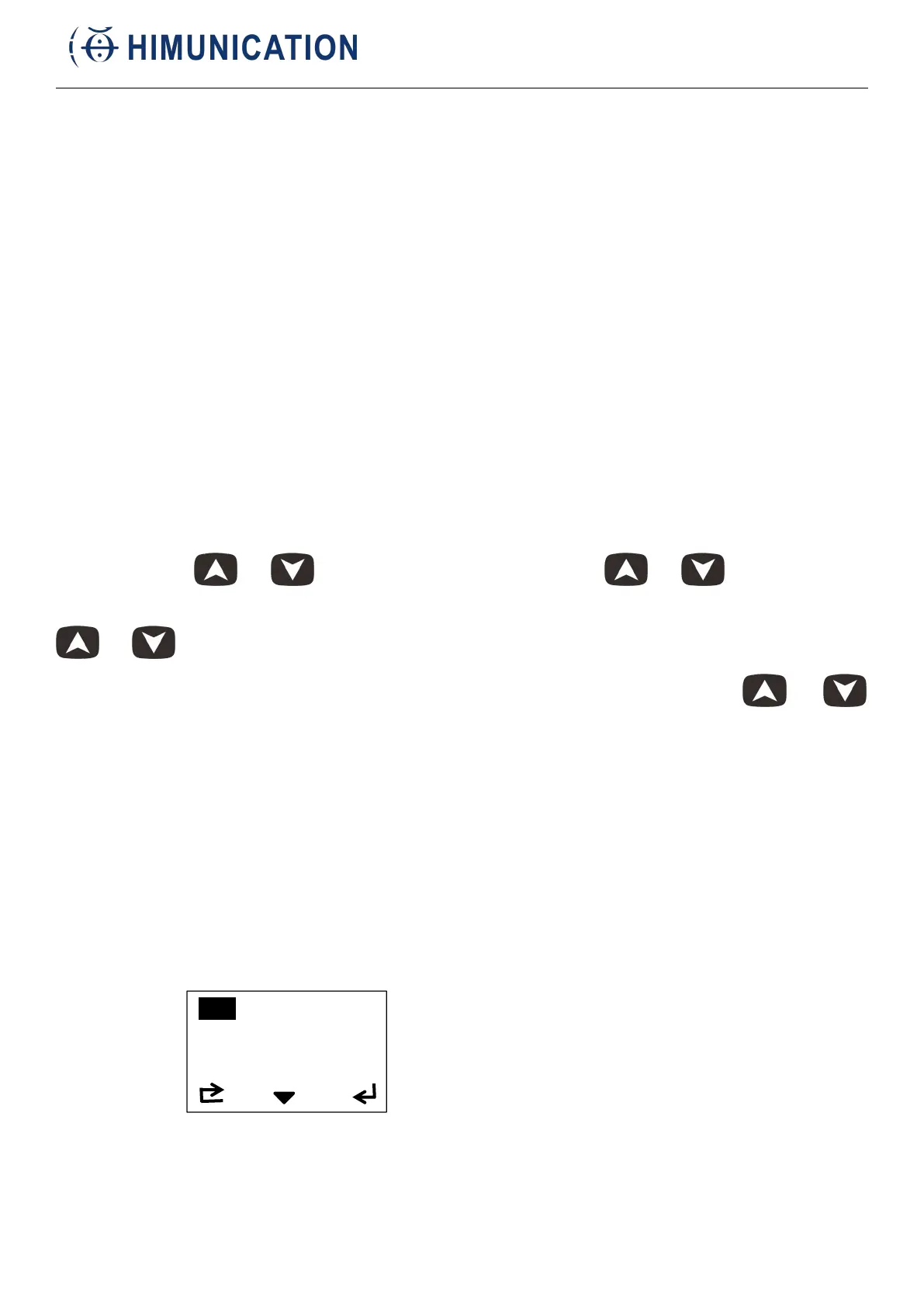
Long press VOL/SQL MENU to enter the main menu.
1. FM
short press H/M/L LOCK to enter.



 To Next Page