Hiro H50113
4
Configure the Modem on Win98 / WinME / Win2000 / WinXP /
2003 / Vista / 2008/ Win7
1. Please turn on your computer.
For Windows 98/2000/ME/XP/2003 User:
As Windows starts, it will detect a new hardware has been
plugged or added, and start the " Add New Hardware Wizard /
Found New Hardware Wizard ". Click on " Cancel ".
For Windows Vista/Win7/2008 User:
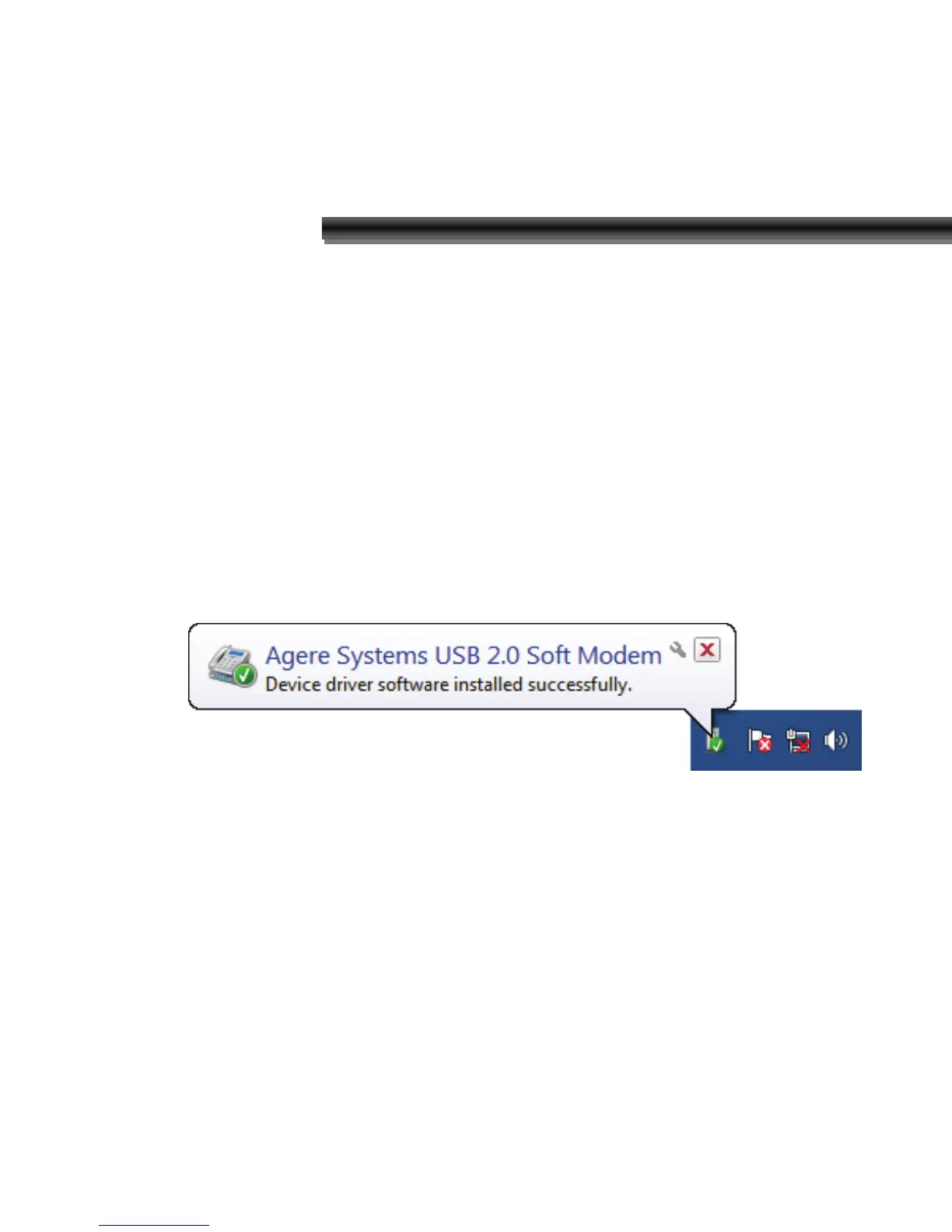
As Windows starts, the following will appear on screen.
2. Please insert the USB 56Kbps modem Utility CD into your
CD-ROM driver.


 To Next Page