EasyManua.ls Logo

HIS HIS-ML23.8-FPVA - User Manual

HIS HIS-ML23.8-FPVA
36 pages
Print Icon
To Next Page IconTo Next Page
Loading...
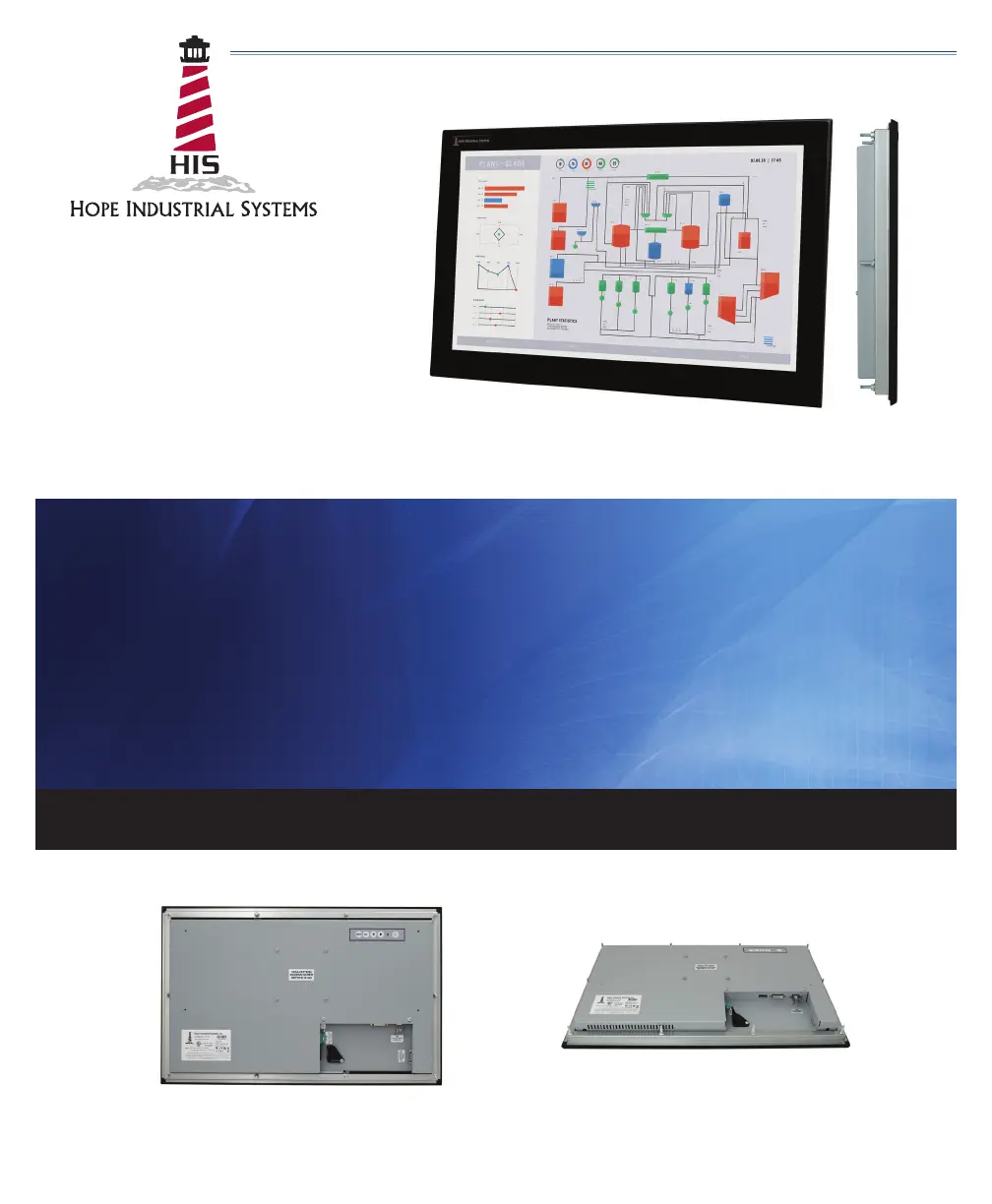
23.8" PANEL MOUNT INDUSTRIAL MONITOR
USER MANUAL
Model No. HIS-ML23.8- _ _ _ A
REVISION A

Questions and Answers

  • E
    Eric WilsonAug 9, 2025
    What to do if there is no image on the HIS HIS-ML23.8-FPVA Monitor screen and the power indicator light is blinking orange or green?
    • O
      obeckerAug 9, 2025
      If your HIS Monitor displays no image and the power indicator light is blinking orange or green, here's what you can check: * Ensure the video cable is securely connected to the monitor, PC, and/or KVM extender. * Try exiting Power Saving mode by moving the mouse or pressing a key on the keyboard. * Verify the PC is sending a signal by connecting it to another working monitor. * If using an analog/VGA signal, disable the "CVT Mode" function in the OSD's "Setup > Advanced Setup" menu.
  • D
    Donald SpencerAug 20, 2025
    What to do if there is no image on the HIS HIS-ML23.8-FPVA screen and the power indicator light is lit solid red?
    • N
      Nicholas PattonAug 20, 2025
      If your HIS Monitor screen shows no image and the power indicator light is solid red, it means the monitor is not powered on. Press the Power button on the monitor for 1-2 seconds to turn it on. The Power Indicator light should then turn green.
  • R
    Robert AcevedoAug 30, 2025
    How to fix a HIS Monitor when there is no image on the screen and the control's power indicator light is not lit?
    • J
      Jerry BallardAug 30, 2025
      If your HIS Monitor screen is blank and the power indicator light is off, the issue is likely a power connection problem. Check the power cable connections at both the monitor and the power source. If you're using DC input, verify the connector polarity and ensure the input voltage is between 10.8 and 26.4 VDC.

Summary

Safety and Regulatory Information

FCC Notice

Compliance with FCC rules for Class A digital devices.

General Safety Warnings

Essential safety precautions and usage warnings for the monitor.

Hazardous Locations

Guidelines for using the monitor in hazardous location environments.

Installation Instructions

Step 1: Prepare for Installation

Pre-installation checks for power, space, and environmental conditions.

Step 2: Bench-test Configuration

Instructions for performing a bench test before final installation.

Connect Video and Power Cables

Details on connecting video and power cables to the monitor.

Connect and Set Up Touch Screen

Guide for connecting and configuring the touch screen interface.

Step 3: Install into Panel

Procedures for mounting the monitor into a panel cutout.

Video Settings

Setting the Timing Mode

How to set the computer graphics adapter timing mode for optimal picture quality.

Troubleshooting

Video Troubleshooting

Solutions for common video display problems and error messages.

Touch Screen Troubleshooting

Solutions for common touch screen issues and errors.

Specifications

HIS HIS-ML23.8-FPVA Specifications

General IconGeneral
Screen Size23.8 inches
Refresh Rate60Hz
Brightness250 cd/m²
Contrast Ratio3000:1
Response Time5ms
ConnectivityHDMI, VGA
Viewing Angle178°/178°
Color Gamut72% NTSC
VESA Mount100 x 100 mm
Resolution1920 x 1080 (FHD)

Related product manuals