16
Troubleshooting
Problem Solution
No sound or
picture
• Check if the power cord is connected to the wall outlet, and if the wall outlet is
energized.
• Check if you have pressed the Power button or Standby button.
• Check the volume.
Sound and
picture are
disturbed
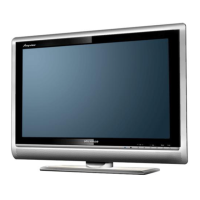
• Try to find the appliance that affects the LCD monitor and keep it away.
• Try plugging the LCD monitor’s power plug into another outlet.
Before preparing for repair, check according to the table below to see if you can find the cause of the
problem.
If you strictly follow the instructions but still can’t resolve the problem, you can turn to professional
servicemen for help.
Troubleshooting


 To Next Page