EasyManua.ls Logo

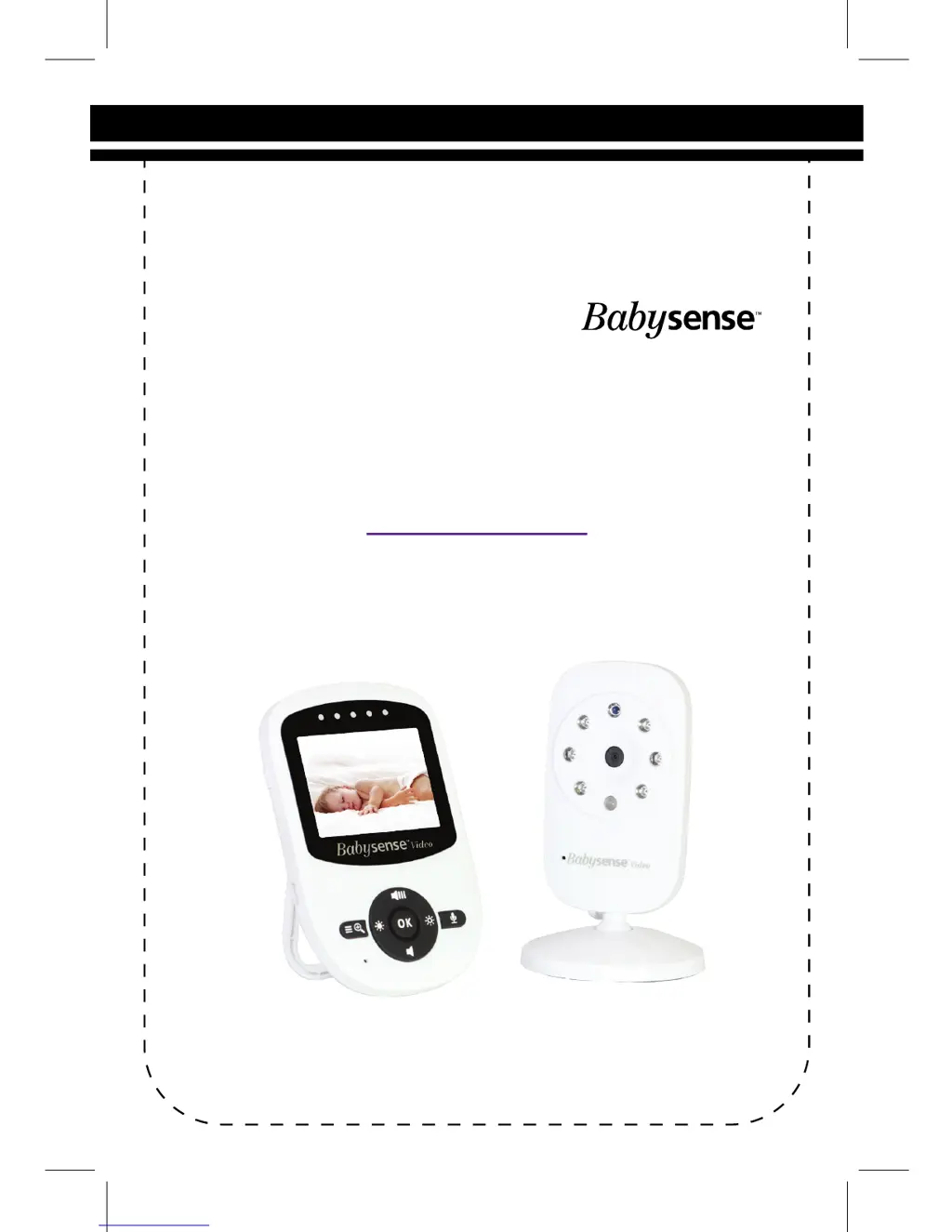
Hisense Babysense V24UK - User Manual

Hisense Babysense V24UK
48 pages
Print Icon
To Next Page IconTo Next Page
Loading...
USER GUIDE
Model: V24UK
Video Baby Monitor
By
www.hisense.co.il
Email - service@hisense.co.il

Questions and Answers

  • J
    Jonathan EscobarAug 9, 2025
    What to do if I can't hear baby sounds on Hisense Baby Monitor?
    • M
      Matthew ColemanAug 10, 2025
      If you can't hear your baby on the Hisense Baby Monitor, the volume on the Parent Unit might be too low; try increasing it. Alternatively, the battery power may be low, so try recharging the battery.
  • K
    Kathryn GregoryAug 15, 2025
    How to fix lines across the screen on Hisense Baby Monitor?
    • K
      Kelly JenningsAug 15, 2025
      If your Hisense Baby Monitor screen is showing lines, try pressing the reset key on the back of the Parent Unit. Also, confirm that the power adapters are properly connected.
  • J
    Jacob FullerAug 21, 2025
    Why is there background noise on Hisense Baby Monitor?
    • D
      Dustin ShawAug 21, 2025
      If you're experiencing background noises on your Hisense Baby Monitor, adjust the volume on your parent unit according to your environment. In a silent environment, decrease the volume to level 3 or below. In a loud environment, increase the volume to the maximum level.
  • K
    Kristina BarberAug 27, 2025
    Why is the picture black and white on my Hisense Baby Monitor?
    • A
      anne57Aug 27, 2025
      If your Hisense Baby Monitor picture is black and white, the automatic night vision mode might be activated. Try turning on the room lights to disable night vision mode.
  • J
    jamescameronNov 2, 2025
    How to fix Hisense Baby Monitor no reception?
    • J
      Joseph LewisNov 2, 2025
      If you're not getting any reception on your Hisense Baby Monitor, there are a few things to check. First, make sure the power adapters are properly connected and that both the Baby and Parent Units are turned on. Ensure they aren't too far apart. If they are, move the Baby unit closer to the Parent unit. Also, other 2.4GHz products might be interfering; keep the baby monitor at least 5ft (1.5m) away from them, or turn them off. Try switching the power adapters between the camera and parent units. The units may also be too close to metal objects, or other electronic devices might be causing interference. If the battery is low, charge it. You can also try restarting the Baby Unit by unplugging it from the wall, waiting 5 seconds, and plugging it back in, or pressing the reset key at the back...

Summary

Warnings and Safety Instructions

General Safety Precautions

Essential safety guidelines to prevent fire, injury, or product damage.

Getting Started

Turning ON the Baby Unit

Step-by-step guide to powering on the camera unit.

Turning ON the Parent Unit

Step-by-step guide to powering on the parent monitor unit.

Charging the Parent Unit

Instructions on how to charge the parent unit's battery.

Operating The Monitor - Pairing and Switching

Pairing Baby Unit with Parent Unit

Process for connecting the baby unit to the parent unit.

Operating The Monitor - Settings and Talk

Operating The Monitor - Adjustments and Alerts

Operating The Monitor - Night Vision

Maintenance

Troubleshooting

Technical Data

Safety Instructions for AC Power Adapter

Safety Instructions for Li-ion Battery

Hisense Babysense V24UK Specifications

General IconGeneral
BrandHisense
ModelBabysense V24UK
CategoryBaby Monitor
LanguageEnglish

Related product manuals