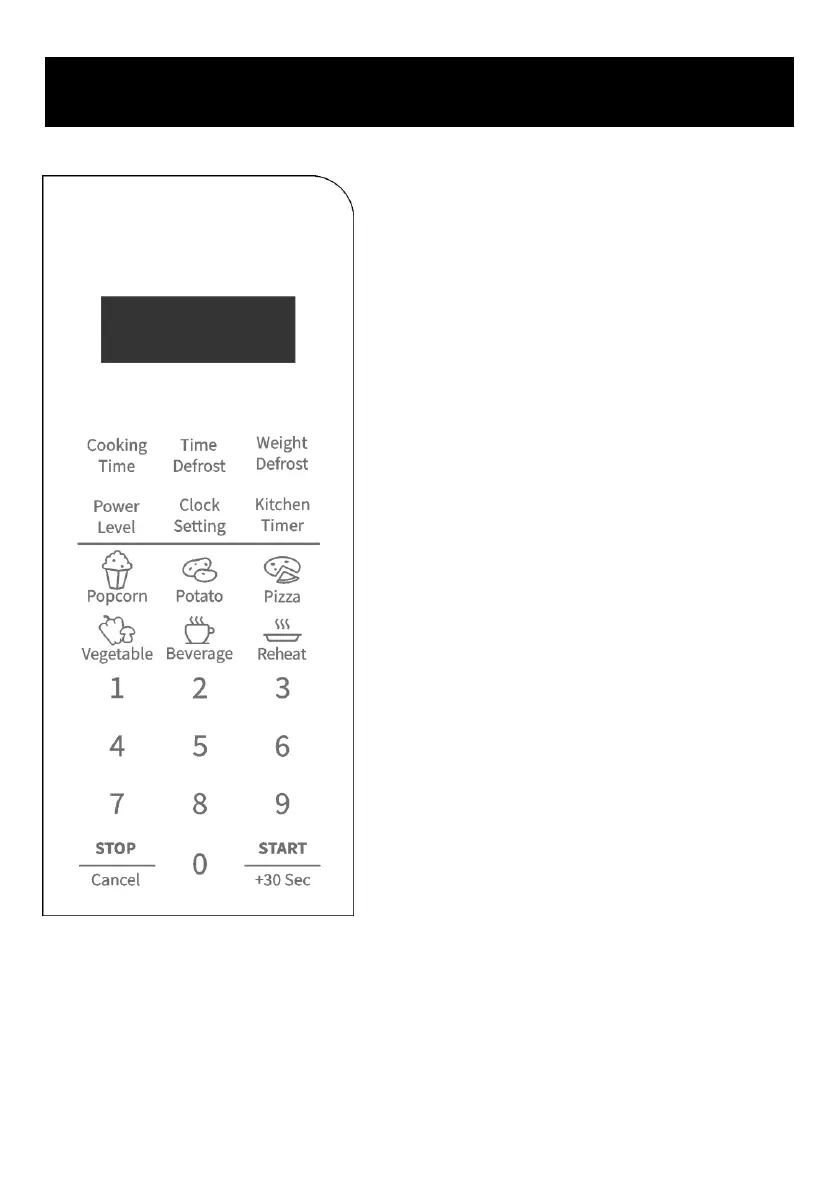
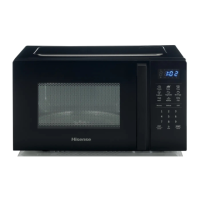
⚫ DISPLAY
Cooking time, power level, action indicators, and
clock time are displayed.
⚫ COOKING TIME
Press to set microwave cooking program.
⚫ TIME DEFROST
Press to set defrost program based on time.
⚫ WEIGHT DEFROST
Press to set defrost program based on weight.
⚫ POWER LEVEL
Press to select microwave cooking power level.
⚫ CLOCK SETTING
Press to set clock time.
⚫ KITCHEN TIMER
Press to set timer function.
⚫ AUTO COOK BUTTONS
Instant settings to cook popular foods.
⚫ NUMBER BUTTONS (0-9)
Press to set time or food weight.
⚫ STOP/CANCEL
Press to clear entry before setting a cooking
program
Press once to temporarily stop cooking or twice
to cancel cooking program.
⚫ START/+30 SEC
Press to start cooking program.
Simply press it a number of times to set cooking
time and cook immediately at full power level.




 To Next Page