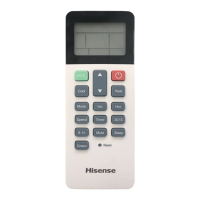
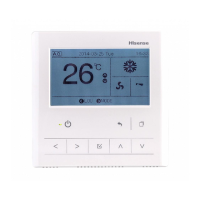
(1) (1)
NOTE
If the unit is started from the central controller it can be stopped from the remote control switch even while the operation
from the remote control switch is prohibited. In this case, press “Run” on the remote control switch to start the operation
again. However, this method is for an emergency stop therefore do not use this for the normal operation.
Do not set the prohibiting operation if multiple centralized controllers are used in the same H-NET. Additionally, do not set
this by other centralized controller or it may cause malfunction.
•
•
This function is used to limit the setting temperature from the remote control switch and central controller.
1. Select the screen of “AC Monitor (All Groups)” or “AC Monitor (Block)”. Select the group to set by touching the group button.
2. Select “Setting Temperature Limitation” by touching.
3. Slide the temperature to set the limitation.
4. Touch “OK” to confirm and return.
5. Touch “Cancel” to cancel the command and return.
AC Monitor (All Groups) AC Monitor (Block)
6.11 SETTING TEMPERATURE LIMITATION
(4)
(2)
HYJM-S01H



 To Next Page
 Loading...