- 32 -
4.2 USB main software upgrading with SecureCRT(forced upgrading)
When USB software upgrading fails with Remote control , We can upgrade with debug
serial board Tool and SecureCRT Tool .
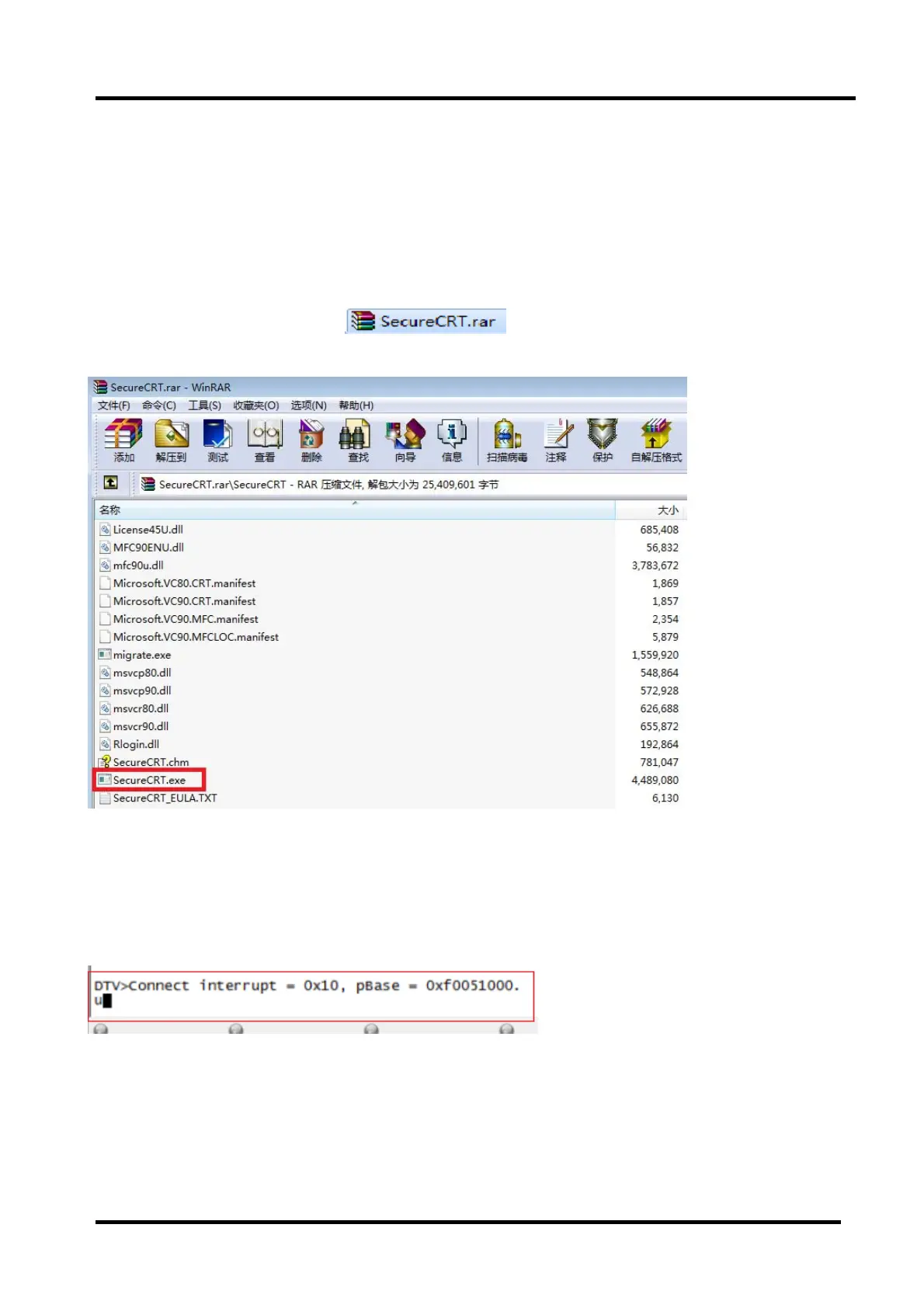
Run SecureCRT.exe
AC power on the TV , at the same time tightly press the “ESC” button on the PC until appear
character
“DTV>”
Behind the character “DTV>”,Write lower-case letter “u” and press enter key to ensure.as
following.
TV will upgrade automatically ,the TV process as same as 4.1.



 To Next Page