45
Apps
• If you’d like to create a new Google+ account, tap Add account, then tap New to sign up for a
new Google account.
2. Set up your Google+ Prole.
NOTE
You won’t see this step if you’ve already set up your prole on your computer or at an
earlier time.
3. Your contacts:
• Keep your address boo up to date - Add prole photos, circles and contact information from
Google+ to your Sero 7 contacts.
• Improve suggestions - Let Google make suggestions based on who you communicate with
most often on your Sero 7.
4. Back up your photos.
5. Get started with Google+.
Sign out: Sign out of the app to switch to a dierent Google+ account. If you are already signed in
to the app, you can sign out by tapping Menu icon
and choosing Sign out.
Home
When you rst sign in to Google+, the screen you’ll see is your Home Stream. You can see What’s hot
and recommended posts by tapping more icon
at the top left.
Go to the Google+ menu by tapping the Google+ icon
in the top left-hand corner of the screen.
Create a Post
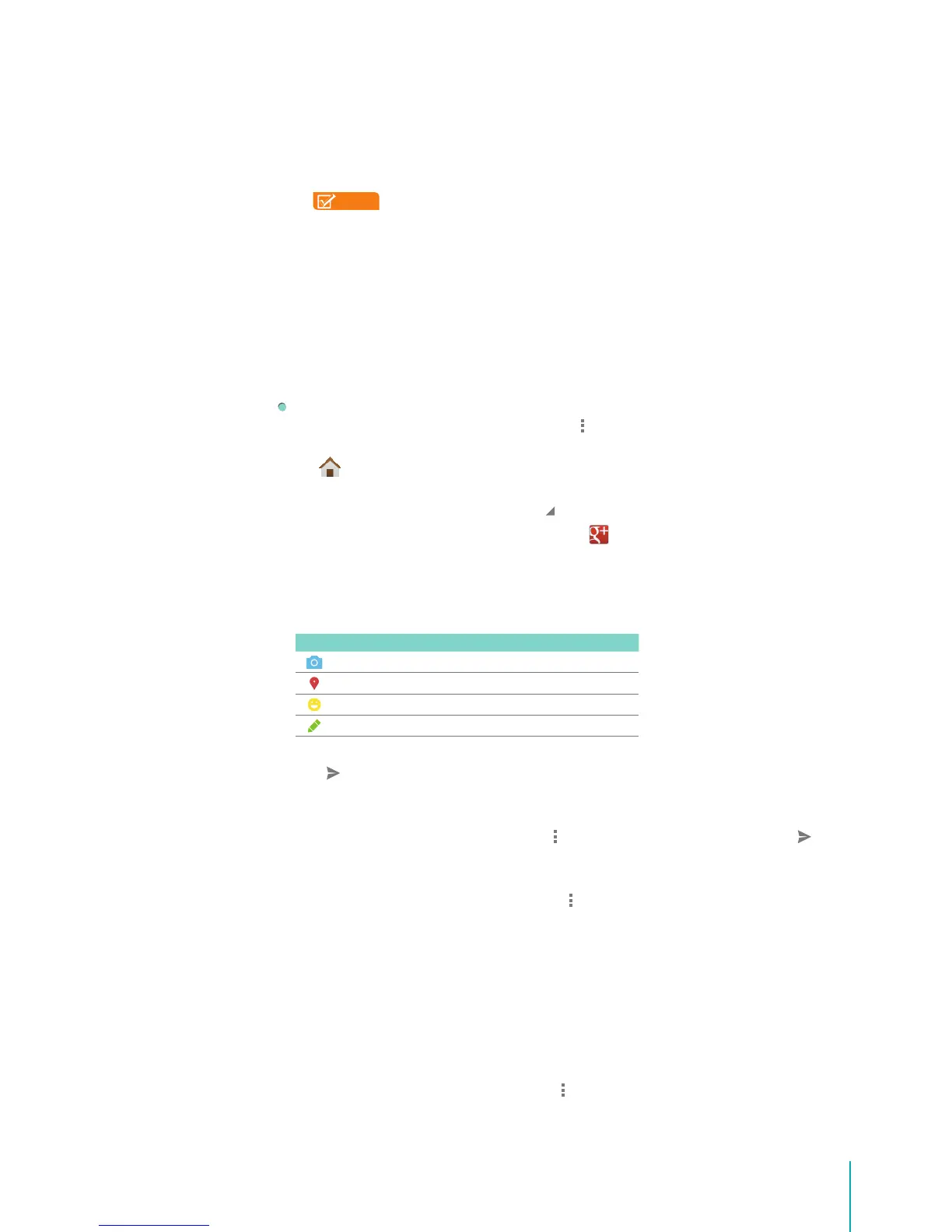
You’ll see a bar with four icons at the bottom of the stream. Tap any icon to begin composing your
post.
Icon Description
Snap a picture instantly or choose from your gallery.
Attach your location to a post.
Add mood to a text.
Share a thought quickly via text.
After you’re done composing your post, select which circles or people you’d like to share with, then tap
the icon
to share your post.
Edit a Post
Tap the post you want to edit and tap Menu icon
, then tap Edit. When you’re done, tap icon .
Delete a Post
Tap the post you want to delete and tap Menu icon
, then tap Delete. Conrm you want to delete the
post by tapping Yes.
Mentioning People in Posts
1. Type +[person’s name] or @[person’s name]. (You can also type their email address instead of their
name.)
2. As you type, an autocomplete list of people will appear, select the person you want to mention.
Mute a Post
Tap the post you want to mute and tap Menu icon
> Mute.


 To Next Page