17
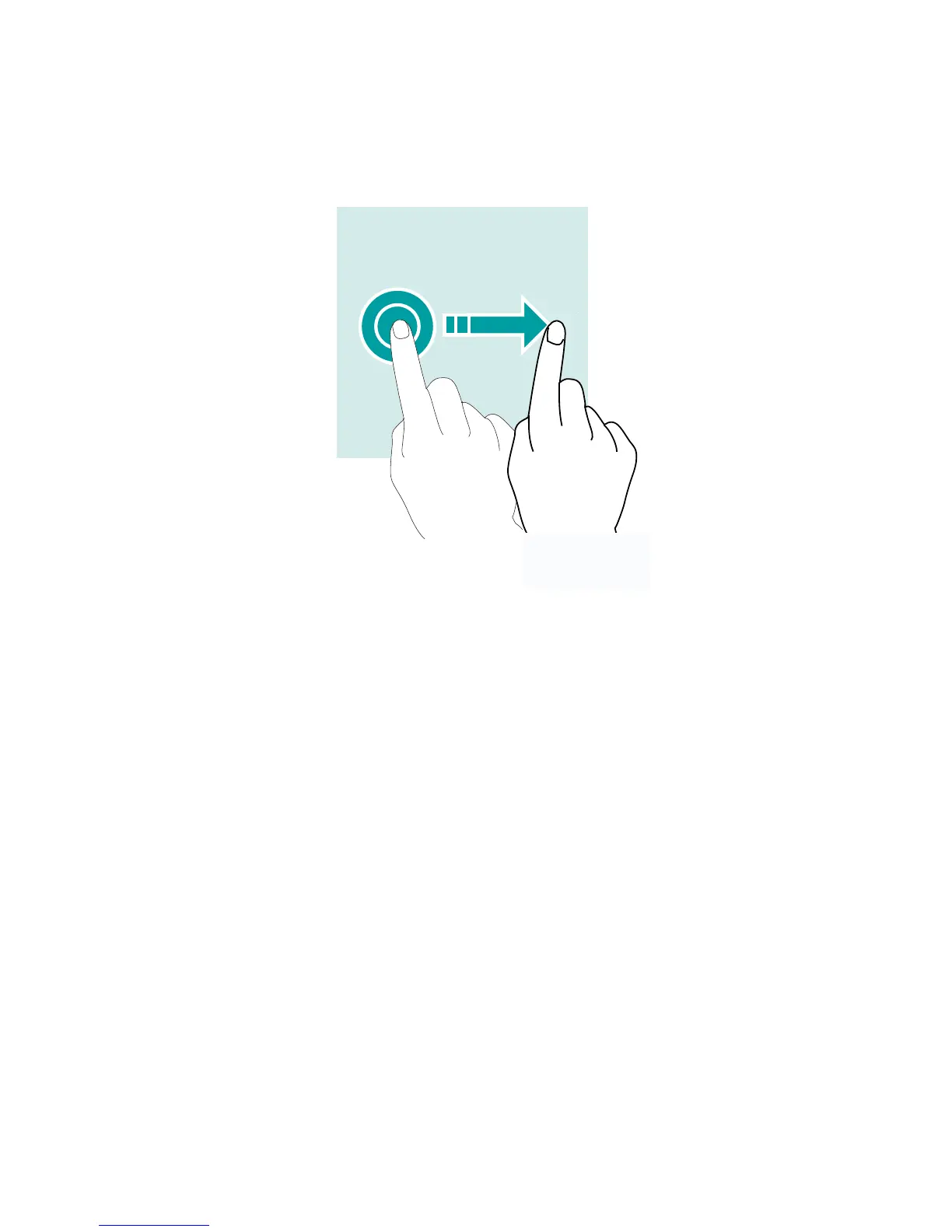
Dragging
To move an item, tap and hold it and drag it to the target posi-
tion.
Notication Center
Open notication center
1
Swipedownfromthetopedgeofthescreentoopennoti-
cation center.
2
Swipe down again from the top edge of the screen to go to
the shortcuts tab.
Set notication options
1
Go to
Settings > Prompt & notication
.
2
Enableordisablenoticationsettingsasdesired.
Close notication center
SwipeuporpresstheHomebuttontoclosenoticationcenter.



 To Next Page