EasyManua.ls Logo

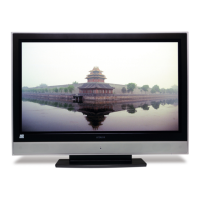
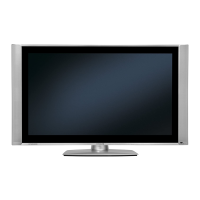
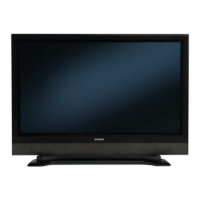
Hitachi 42PD3000 - User Manual

Hitachi 42PD3000
50 pages
Print Icon
To Next Page IconTo Next Page
Loading...
Users Guide
32PD3000
42PD3000
SCREEN
X832140-02-02(It).qxd 9/12/02 6:50 PM Page 1

Other manuals for Hitachi 42PD3000

Questions and Answers

  • V
    vgomezAug 10, 2025
    Why is there no sound on my Hitachi 42PD3000?
    • C
      Charles HughesAug 11, 2025
      If your Hitachi Plasma TV has no sound, first check if R319 is disconnected, as a slow response toward the R/C handset can cause this. Also, verify that IC301 pins 58/59 input the proper signal (0.1~0.8Vp-p); a failure in the F-sound-out line component could be the cause.
  • K
    Kimberly ChapmanAug 20, 2025
    Why is the picture unstable on my Hitachi 42PD3000 Plasma TV?
    • M
      Mitchell DanielAug 20, 2025
      An unstable picture on your Hitachi Plasma TV could be due to several reasons: * If the crystal oscillates, check for a dry joint/solder bridge at X100/C135/X101/C136. * If the comb filter works, examine components in the CHROMA lines for dry joints, solder bridges, or breaks, such as R208/Q121/Q122. * Also, inspect the components of the comb clock IC101 pin 19.
  • M
    Matthew ThompsonAug 31, 2025
    How to fix a flashing PDP LED on a Hitachi 42PD3000?
    • K
      Kathy LewisAug 31, 2025
      If the PDP LED on your Hitachi Plasma TV is flashing, it may indicate a disconnected cable. Check all cable connections.

Hitachi 42PD3000 Specifications

General IconGeneral
Screen Size42 inches
Display TechnologyPlasma
Resolution1024 x 1024
Contrast Ratio3000:1
Brightness1000 cd/m²
HDMI Ports1
Weight27 kg
Aspect Ratio16:9
Viewing Angle160 degrees
Speakers2 x 10W
InputsComposite, S-Video, Component

Related product manuals